How to 3D Print a Picture: Photo to Print in 6 Steps
Turn a picture into a 3D print: generate a model with AI, download STL or 3MF, slice in Bambu Studio or PrusaSlicer, and print. Real times and costs.
Short answer
To 3D print a picture, first convert it into a 3D model. Then slice that model for your printer. Upload the photo to MakeIt3D and select a quality tier. Quick makes a model in about 30 seconds for 1 credit. Precise takes about 2 to 4 minutes for 3 credits and makes up to 500,000 polygons for print detail. Download the result as STL or 3MF. Open it in a slicer such as Bambu Studio, PrusaSlicer, Cura, or OrcaSlicer. Set the size in millimeters. Add supports for the overhangs. Send the G-code to your printer. The digital part takes less than 5 minutes on the Quick tier. The print time depends on your printer. A palm-sized print usually takes 2 to 5 hours. The time changes with the layer height and the infill.
How to go from picture to printed object
This is the full pipeline: photo, AI mesh, slicer, printer. Each step feeds the next step. The first two steps set most of the print quality.
Choose a picture that shows the whole object
Use one object and keep its full outline in the frame. Use a 3/4 angle so the AI can see the depth. Flat artwork makes a flat relief, not a full object. A photo of a real object with visible sides prints much better.
Generate the 3D model
Upload a JPG, PNG, or WebP file to MakeIt3D. Use Quick first to test the photo. Quick costs 1 credit and takes about 30 seconds. Then run Precise for the version that you print. Precise costs 3 credits, takes about 2 to 4 minutes, and makes up to 500,000 polygons.
Inspect the mesh in the browser viewer
Turn the model in the browser viewer. Check the outline, the back, and the small details. If the mesh looks melted or noisy, make it again from a better crop or angle. Do this before you spend print time on it.
Download STL or 3MF
Both formats are for printing. STL works with every slicer. 3MF is the native format of Bambu Studio. The 3MF file holds millimeter units, so the model opens at a set size. An STL file has no units.
Slice the model
Open the file in Bambu Studio, PrusaSlicer, Cura, or OrcaSlicer. Set the final size. An STL file has no units, so always check the size. Turn the model to reduce the overhangs. Add supports where the model needs them. Use 10 to 15 percent infill for decorative prints.
Print and post-process
Watch the first layer. Most prints fail at the first layer. After the print, remove the supports and clean the contact points. AI shapes have texture that hides the support marks well.
Print problems that start with the picture
A bad print often starts in the photo or the mesh, not in the printer. Check these points before you change the slicer settings.
- A melted or missing detail means the photo hid that area with shadow or blur.
- A flat drawing or logo makes a shallow relief, not a full object.
- Small floating parts in the mesh confuse the slicer. Run the slicer repair function if it shows errors.
- Thin parts, such as antennas or fingers, can be thinner than your nozzle can print.
- A very shiny or transparent object often makes a wavy, incorrect surface.
FAQ
How long does it take to 3D print a picture?
The model takes 30 seconds on Quick or about 2 to 4 minutes on Precise. The slicer takes a few minutes. The print is the long part. A palm-sized object takes 2 to 5 hours. A large or detailed print takes longer.
Do I need my own 3D printer?
No. Download the STL and send it to a print service, a makerspace, or a library that has a printer. The file prints the same in each place.
What does it cost to turn a picture into a printable model?
One model costs 1 credit on Quick or 3 credits on Precise. Credit packs cost from $8 for 10 credits to $50 for 100 credits. So a Precise print-ready model costs $1.50 to $2.40 in credits.
Should I download STL or 3MF for printing?
Both formats print well. Choose 3MF if you use Bambu Studio. 3MF is its native format and holds millimeter units. Choose STL to work with any slicer or print service.
Will the colors from my picture print?
Not on a standard single-material printer. The STL and 3MF files hold only the geometry. The print comes out in your filament color. Many makers prime and paint the print to add color.
Can I 3D print a person from a photo?
Yes, if the photo shows the full body clearly on a simple background. A figurine-style photo with the full outline works best. See the figurine guide for more details.
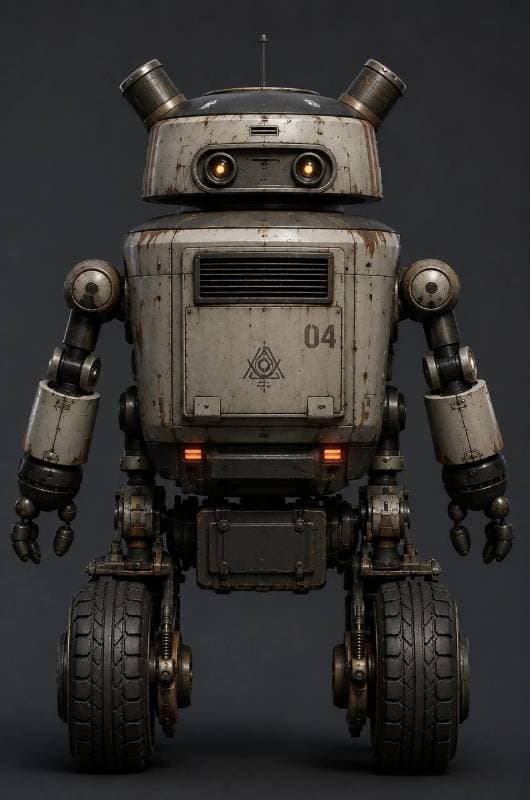
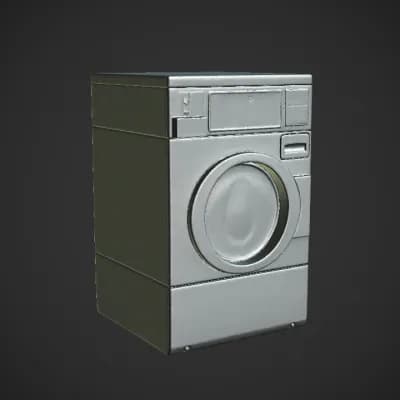
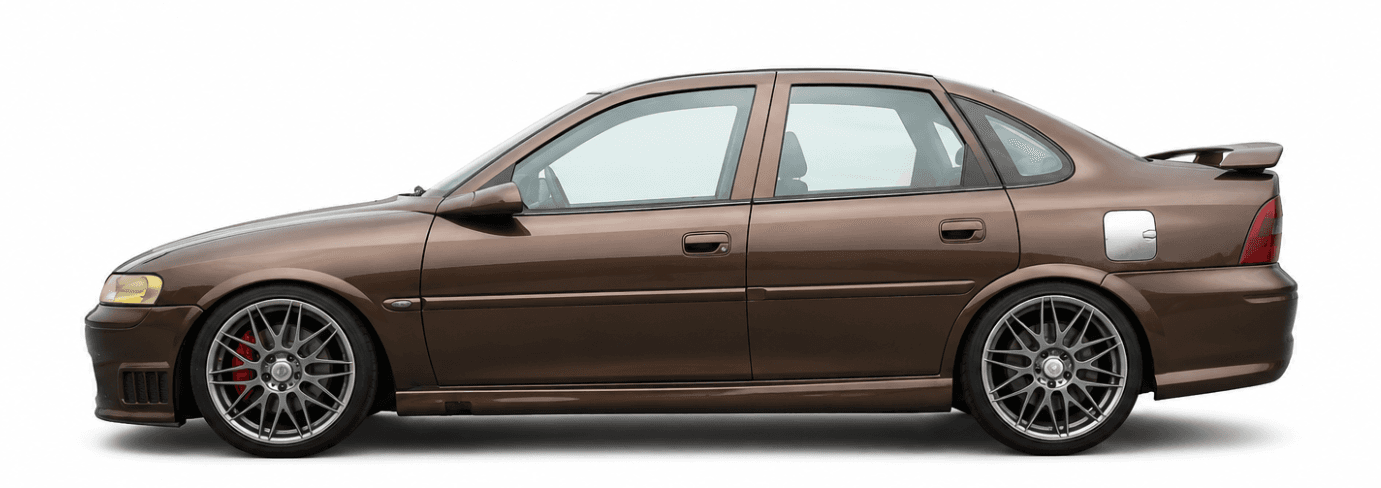
Made with MakeIt3D
Real models generated by people using the site — open one to rotate it and download the file.