Try an AI 3D model generator
Create a model from a prompt or image, preview it in the browser, and download GLB, OBJ, or STL when the result fits your workflow.
Short answer
MakeIt3D lets new users try AI 3D generation with a one-time $8 Starter pack. Use it to test prompt-to-3D or image-to-3D, inspect the result in the browser, and download GLB, OBJ, or STL depending on whether you need web preview, editing, or 3D printing.
Best for
- Testing AI 3D generation before paying
- First game prop or product mockup
- Checking image-to-3D quality
- Trying STL export for print ideas
Use a photo that gives the model enough information
AI reconstruction works best when the subject has a clean silhouette, visible depth, and enough contrast from the background.
- Start with one simple object so the first generation is easy to judge.
- Use a specific prompt or a clean image with the full subject visible.
- Download GLB for quick preview tests, OBJ for editing, or STL for slicers.
- Use Quick for cheap experiments, then save credits for final higher-detail runs.
Workflow
Pick a simple first test
Choose a clear object, prop, toy, product, or printable idea. Avoid complex scenes until you know how the generator responds.
Generate your first model
Use a focused prompt or upload a clean image, then preview the generated 3D model directly in the browser.
Choose whether to continue
If the result works, download GLB, OBJ, or STL. If it needs improvement, adjust the prompt or image before spending more credits on higher-detail runs.
Download formats
- GLB
- Best for testing web previews, AR, game prototypes, and compact textured sharing.
- OBJ
- Best for checking whether a generated model is worth cleaning up in Blender.
- STL
- Best for testing whether a generated shape is worth slicing and printing.
Example models
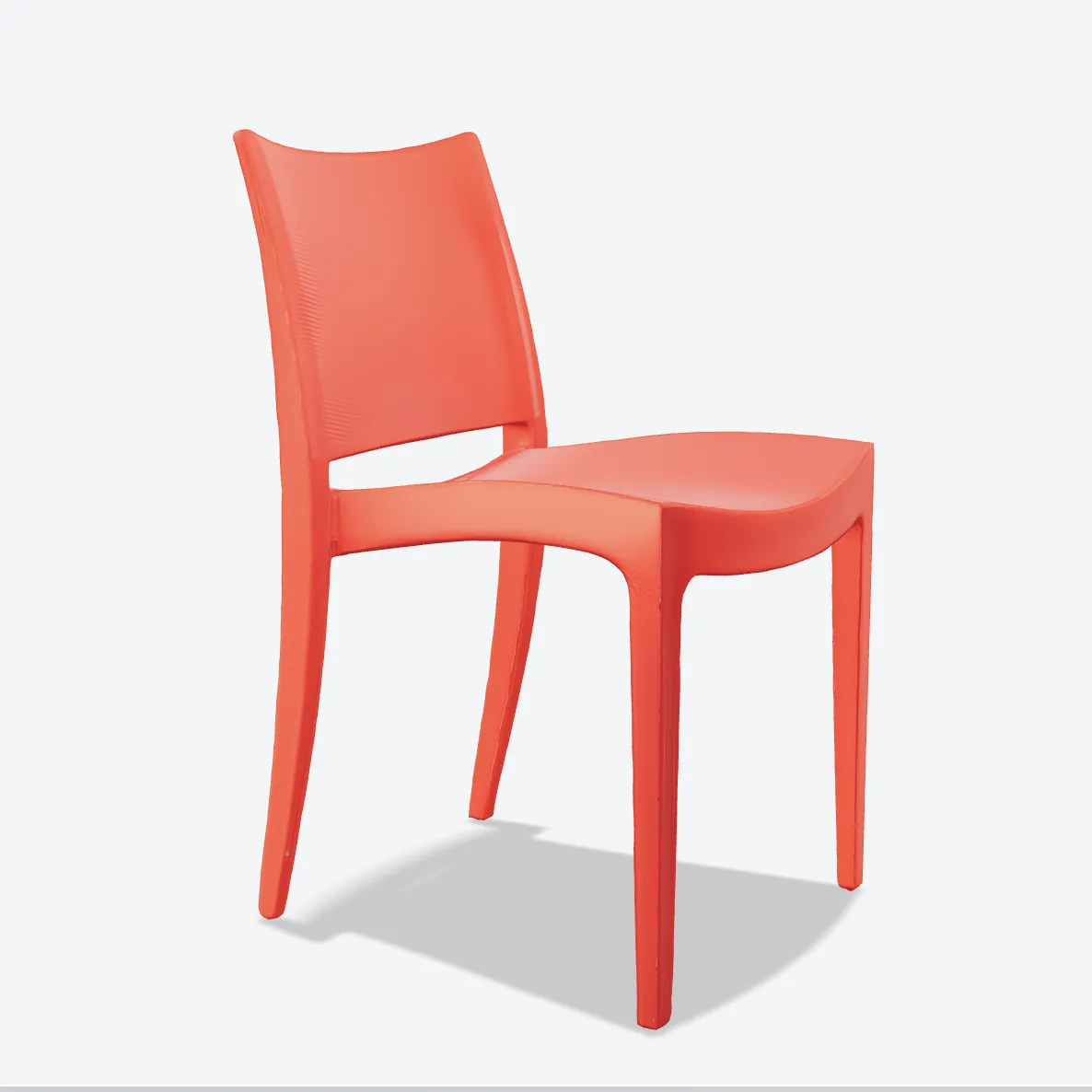


Made with MakeIt3D
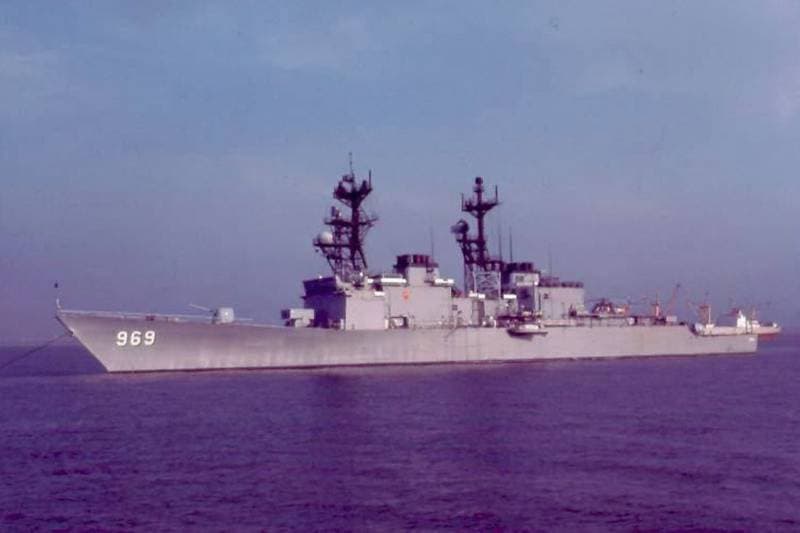
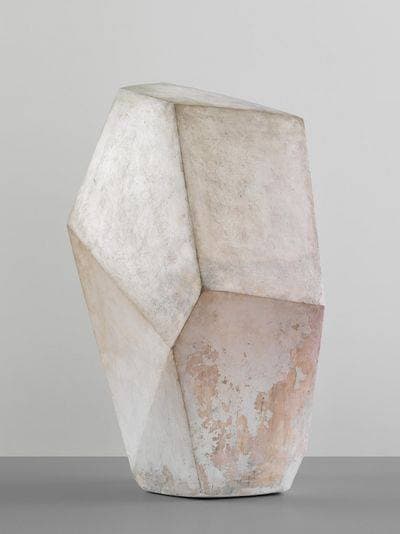
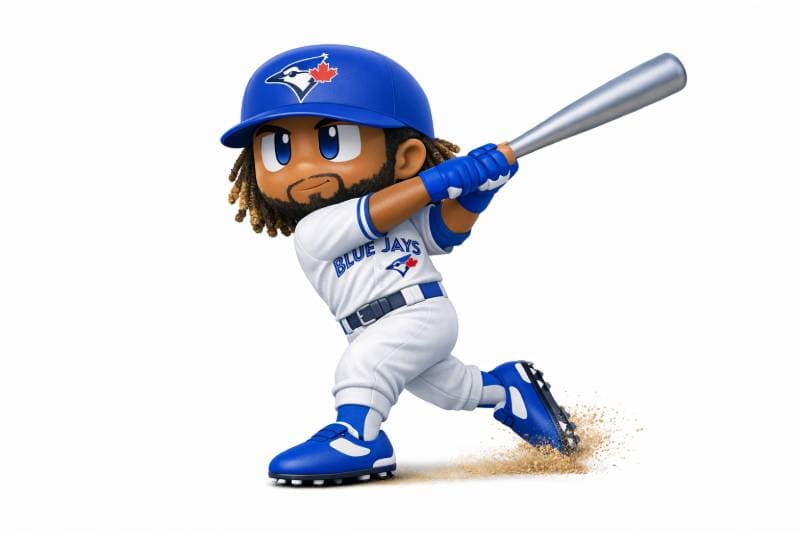
Real models generated by people using the site — open one to rotate it and download the file.
FAQ
Is MakeIt3D free to try?
Creating an account and browsing the community gallery are free. Generating starts at $8 for a one-time Starter pack (10 credits: 10 Quick or 3 Precise models, downloads included), or a subscription. See /pricing for current terms.
Can I download the models I generate?
Yes. When your generated model is ready, you can download supported formats such as GLB, OBJ, or STL depending on the workflow.
What should I generate first?
Start with a simple object, prop, toy, product, or decor idea. Simple tests make it easier to judge shape quality, texture quality, and export fit.