Turn a figurine photo into a 3D-printable model
Use a clear photo of a toy, statue, miniature, or collectible and export the generated model as STL for your slicer.
Short answer
For figurines, use a front or 3/4 photo with the full body visible, simple lighting, and a plain background. Generate the model, download STL, then inspect supports and scale in your slicer before printing.
Best for
- Miniatures and tabletop figures
- Toys and collectibles
- Character busts and statues
- Personal keepsakes from photos
Use a photo that gives the model enough information
AI reconstruction works best when the subject has a clean silhouette, visible depth, and enough contrast from the background.
- Keep the whole figurine in frame, including the feet or base.
- Use a 3/4 angle to show depth in the pose and accessories.
- Avoid strong shadows that hide small details like arms, weapons, or hair.
- Choose Precise quality when the model has a face, hands, or detailed clothing.
Workflow
Photograph the full figure
Place the figurine on a simple surface, keep the full outline visible, and avoid cropping off the base.
Generate and inspect the model
Use MakeIt3D to reconstruct the mesh. Rotate the result in the viewer and regenerate with a cleaner crop if the silhouette is noisy.
Download STL and slice
Open the STL in PrusaSlicer, Cura, Bambu Studio, or OrcaSlicer, then set scale, supports, and orientation before printing.
Download formats
- STL
- Best for printing miniatures, figures, busts, and collectibles.
- OBJ
- Best for cleanup, sculpting, or texture edits before printing.
- GLB
- Best for sharing the figurine in a browser or AR preview.
Example models


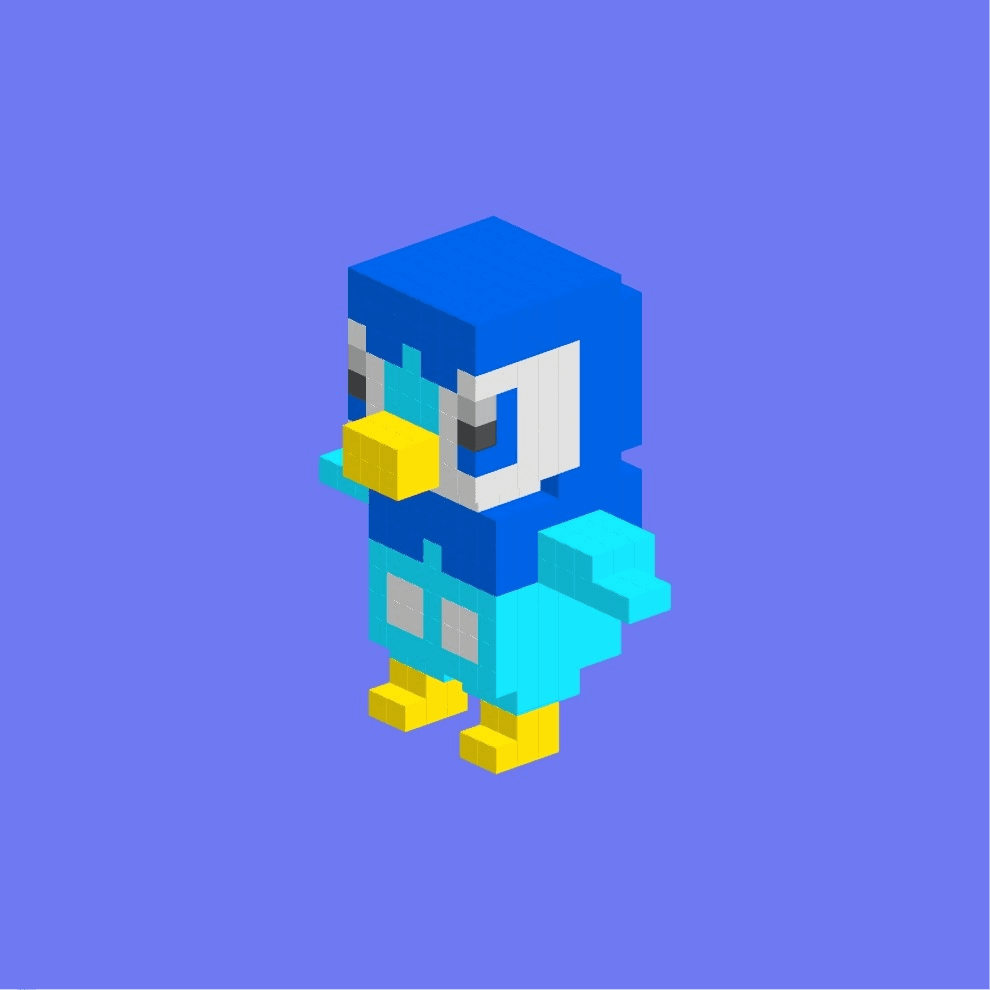
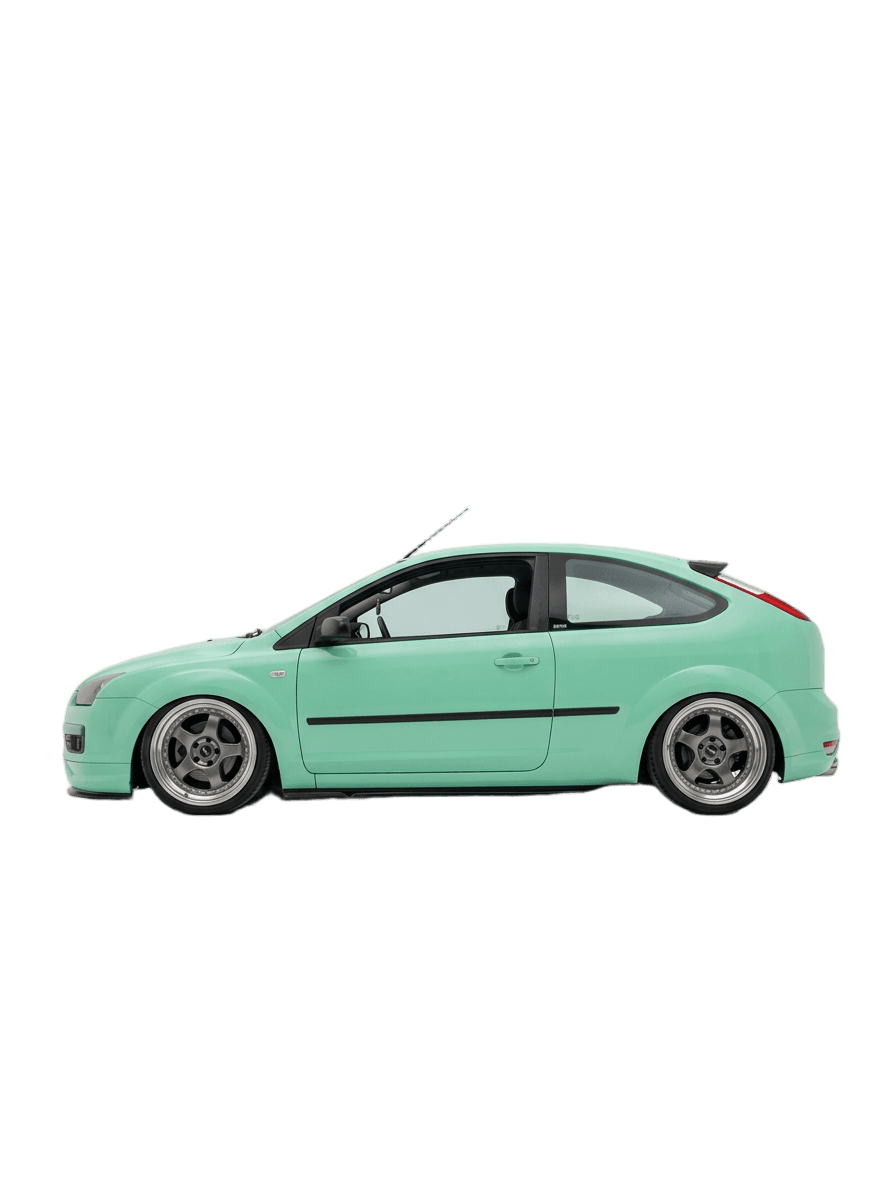
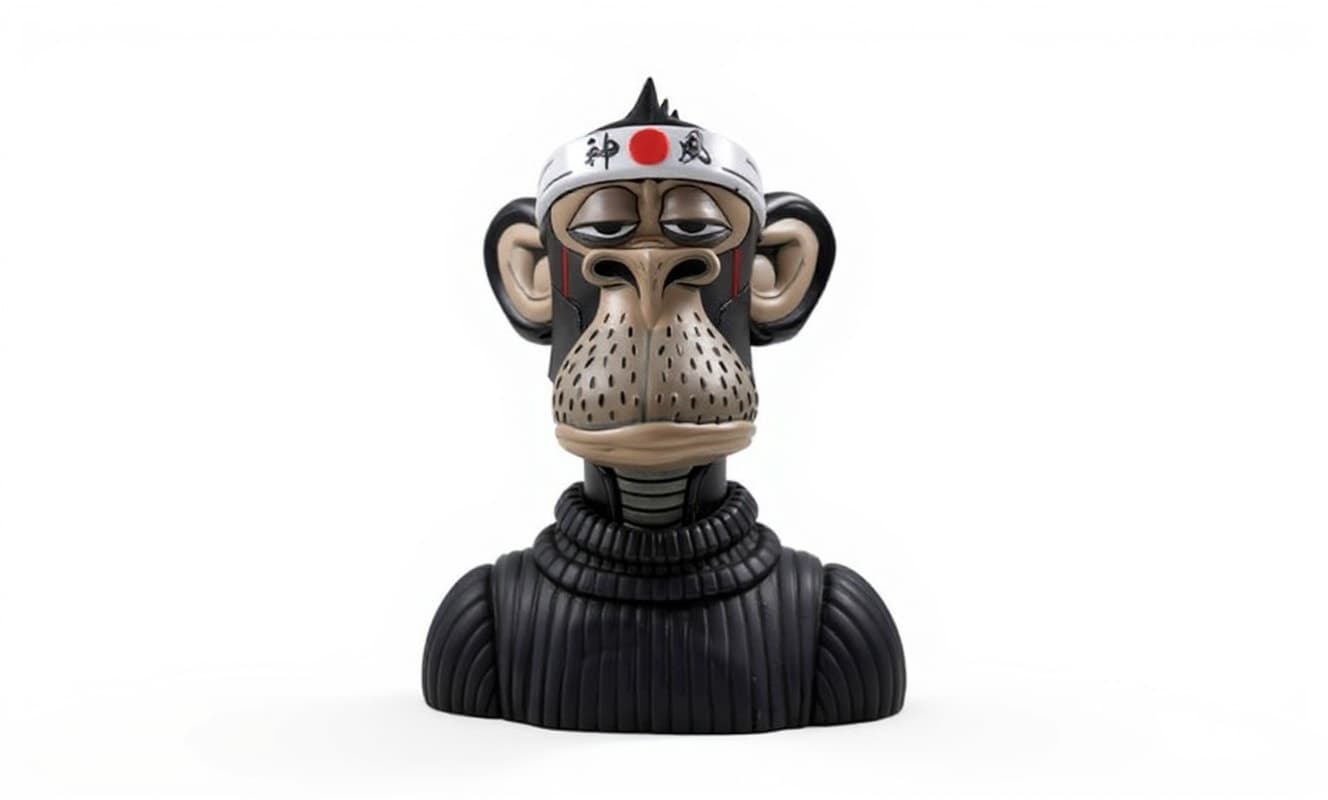
Made with MakeIt3D
Real models generated by people using the site — open one to rotate it and download the file.
FAQ
Can I 3D print a figurine from one photo?
Yes. A single clear photo can produce a printable STL, but complex poses may need cleanup or regeneration from a better angle.
What photo angle is best for figurines?
A front or 3/4 angle usually works best because it shows the figure silhouette and enough side depth for reconstruction.
Do I need to edit the STL before printing?
Always inspect the STL in your slicer. For detailed miniatures, you may want to adjust scale, supports, and orientation before printing.