Generate 3D models with AI
Create downloadable 3D assets for games, product visuals, AR previews, 3D printing, and fast prototyping from a prompt or source image.
Short answer
MakeIt3D is an AI 3D model generator that turns prompts or images into downloadable GLB, OBJ, and STL files. Use GLB for web and game previews, OBJ for editing in Blender, and STL for 3D printing or prototype checks.
Best for
- Indie game and Unity prototypes
- 3D printing hobby projects
- Shopify and ecommerce product visuals
- AR previews and creator content
Use a photo that gives the model enough information
AI reconstruction works best when the subject has a clean silhouette, visible depth, and enough contrast from the background.
- For image-based generation, use one clear subject with the full outline visible.
- For prompt-based generation, describe the object type, material, style, and intended use.
- Use GLB when you need a compact textured model for the web, games, or AR previews.
- Use STL when the main goal is a slicer-ready file for hobby printing or prototype checks.
Workflow
Describe or upload the object
Start with a focused prompt or a clean source image. Specific prompts work better than broad ideas, especially for props, toys, decor, and product mockups.
Generate and inspect the result
Preview the model in the browser, rotate it from every angle, and regenerate with clearer wording or a cleaner image if the shape is noisy.
Export for the workflow
Download GLB for web, AR, or game prototypes, OBJ for cleanup in Blender, or STL for 3D printing and physical prototype checks.
Download formats
- GLB
- Best for browser viewers, AR previews, real-time engines, and compact textured sharing.
- OBJ
- Best for Blender cleanup, sculpting, retopology, or artist handoff.
- STL
- Best for slicers, 3D printing experiments, and physical prototype checks.


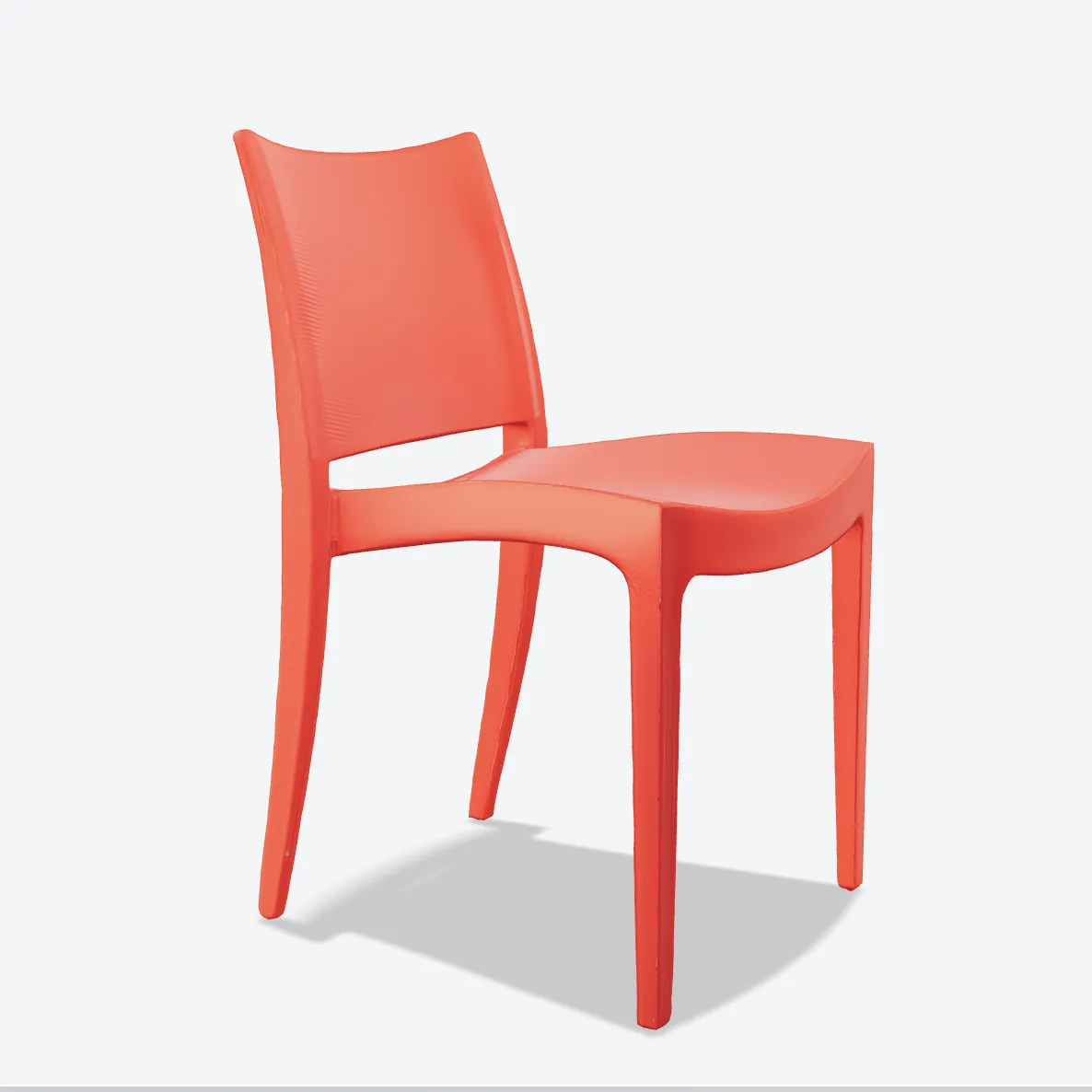
Made with MakeIt3D
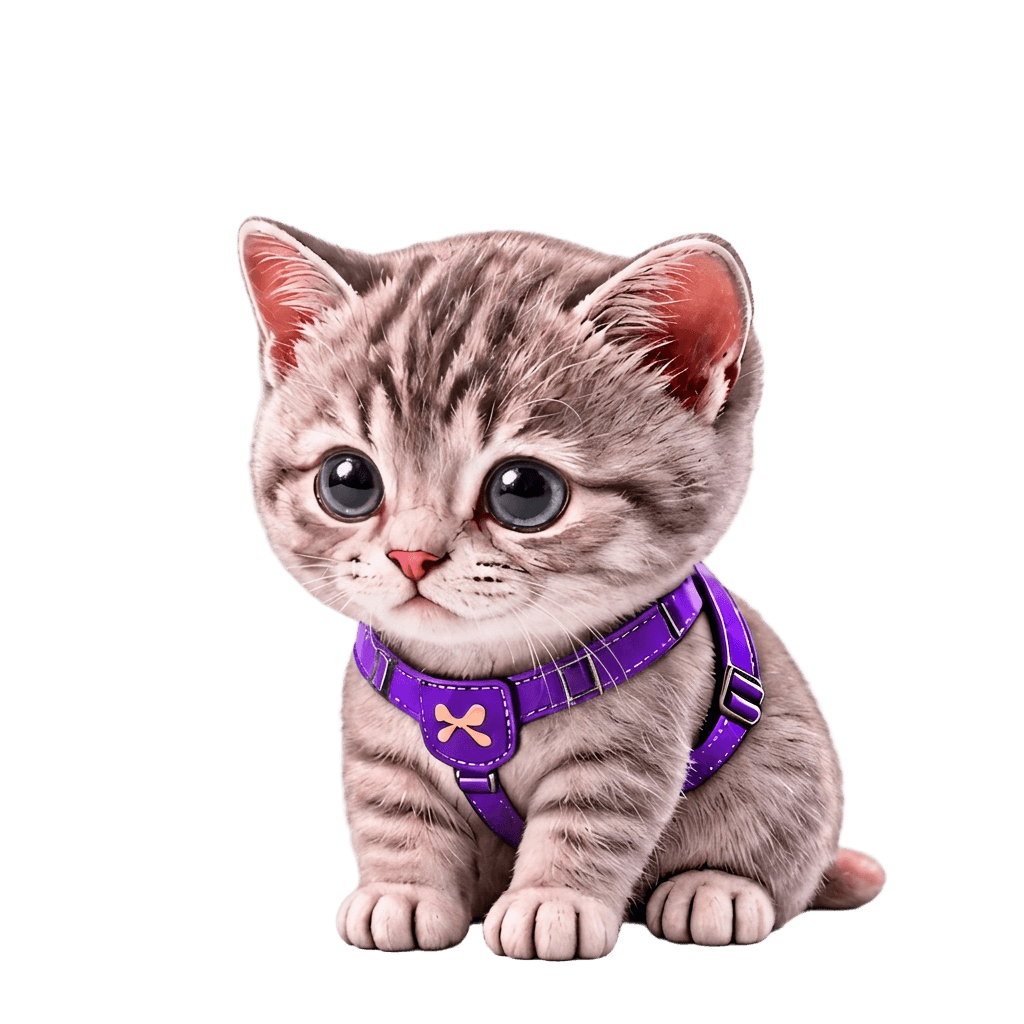
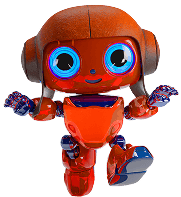
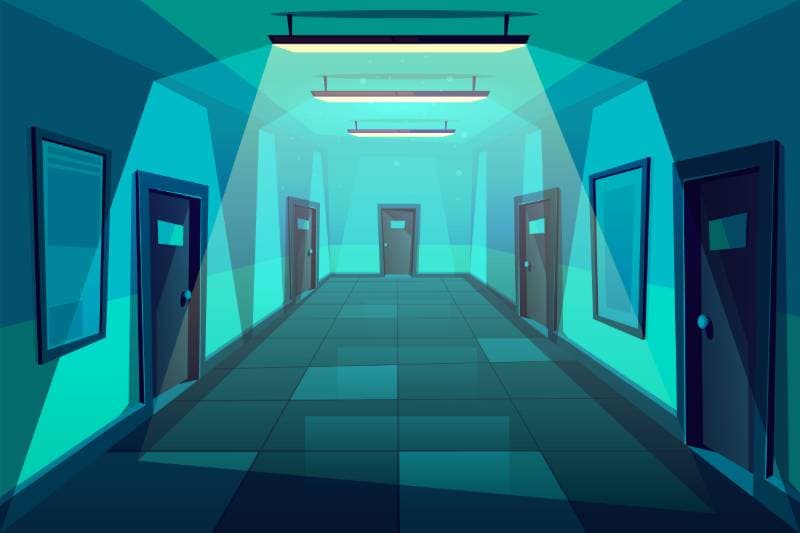
Real models generated by people using the site — open one to rotate it and download the file.
FAQ
What is an AI 3D model generator?
An AI 3D model generator creates a 3D mesh from a prompt or image so you can preview, edit, print, or use the result in a digital workflow.
Can I use MakeIt3D for game assets?
Yes. Use MakeIt3D to create fast props, creatures, environment objects, and prototype assets, then download GLB or OBJ for cleanup and engine import.
Can I 3D print AI-generated models?
Yes. Download STL and inspect it in a slicer before printing. Detailed or mechanical parts may still need mesh repair, scaling, supports, or CAD cleanup.