Best Photo for an AI 3D Model
Learn how to choose and prepare the best photo for AI 3D model generation. Use these framing, lighting, background, and subject tips before converting an image to GLB, OBJ, or STL.
Short answer
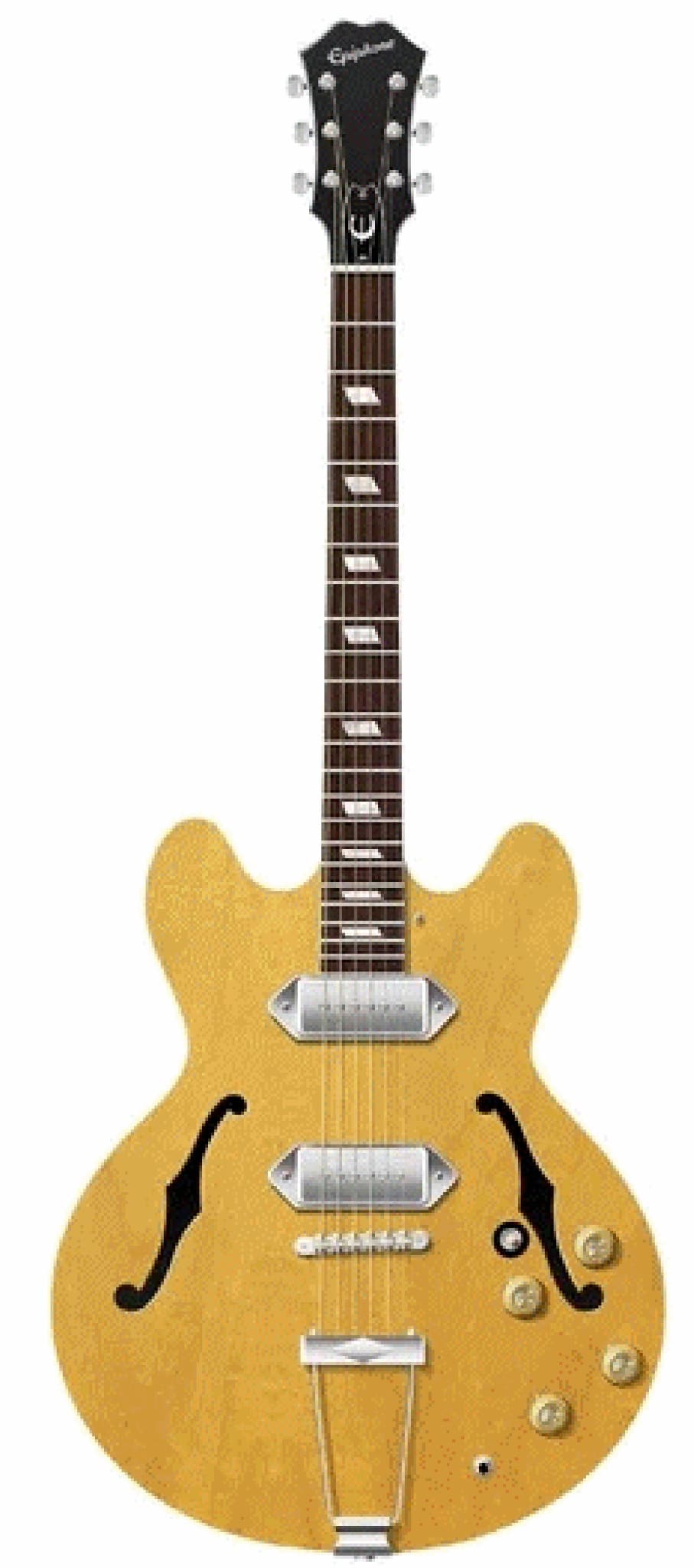
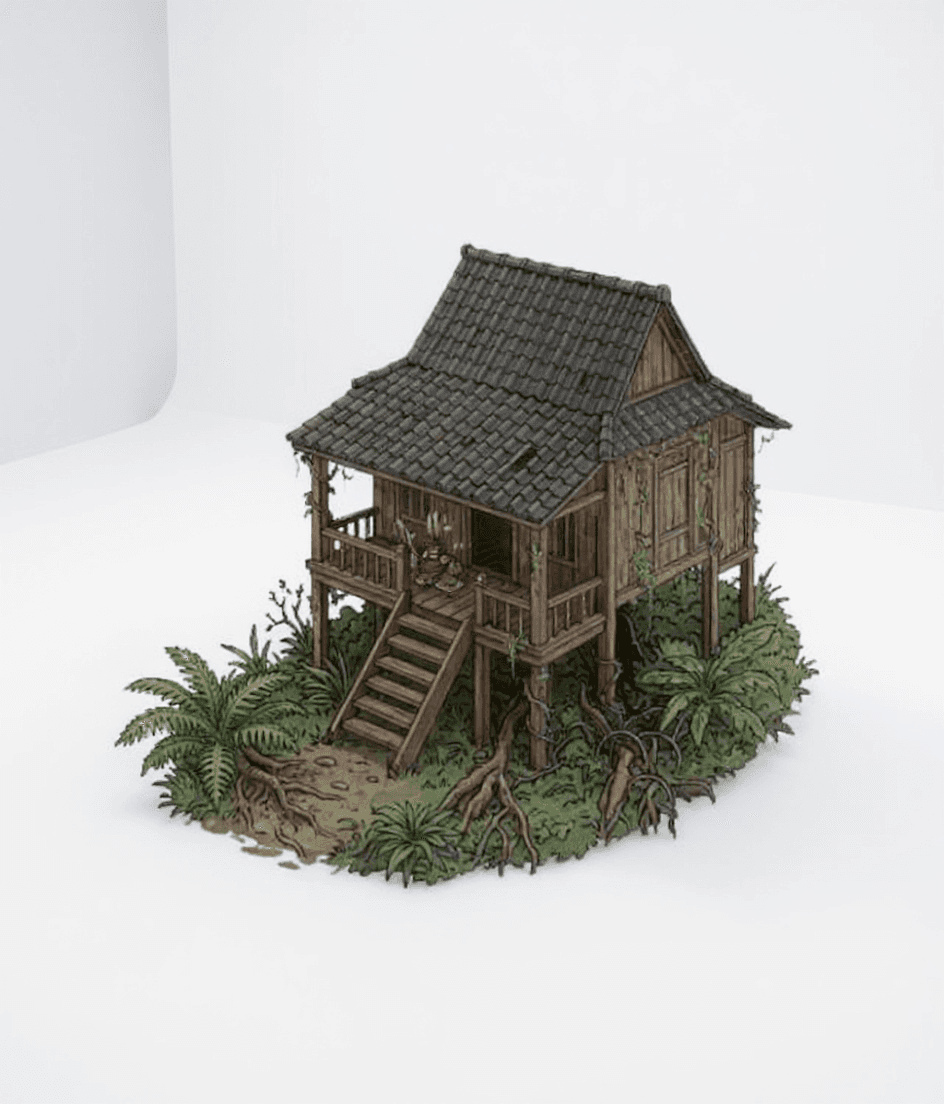
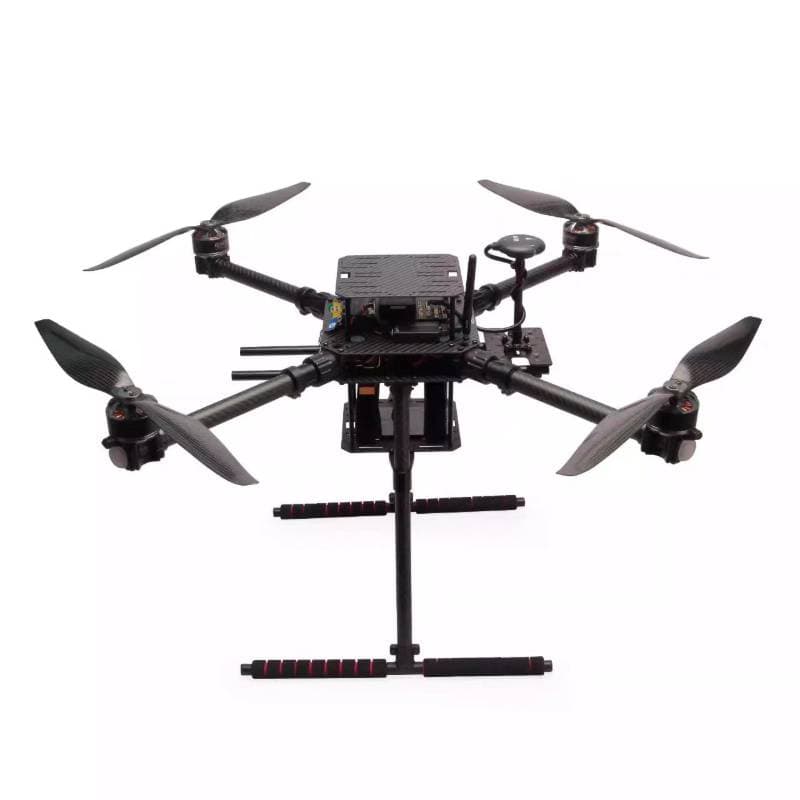
The best photo for an AI 3D model shows one complete object. Put the object in the center of the frame. Give it a clean outline, soft and even light, and enough angle to show depth. A 3/4 view is better than a flat front view. The 3/4 view gives the AI more shape data to build the model.
How to take a better source photo
Do these steps before you upload a photo to MakeIt3D. They reduce noisy geometry. They also make the model easier to print, to edit, and to share.
Choose one clear subject
Use one object, figurine, product, toy, or structure. Do not use a photo where the object touches or hides behind other objects.
Use a 3/4 angle when possible
Turn the object to a slight side angle. This angle shows the front, the side, and the depth. It gives a better 3D result than a flat front view.
Keep the full outline visible
Keep the full outline in the frame. Do not cut off the base, the feet, the handles, the antennas, or the corners. The AI uses the outline to build the model.
Use soft, even lighting
Use soft and even light. Do not make hard shadows or bright highlights. The AI cannot build the details that shadows hide.
Crop out clutter before upload
Make the object fill most of the frame. Do not let the object touch the edges. Remove the background clutter before you upload the photo.
Pre-upload checklist
The photo is ready when it agrees with most of these checks.
- You can see the full object from top to bottom.
- The object is sharp. There is no motion blur.
- The background is simple. It contrasts with the object.
- The photo shows some depth on the side.
- The light shows the small details clearly.
- The object is not transparent. It is not a mirror. It is not flat artwork.
Common mistakes that create weak 3D models
Most bad results come from missing data in the photo. A melted, hollow, or noisy model usually needs a cleaner outline or more depth in the photo.
- You use a flat logo or drawing, but you need a full 3D object.
- You cut off the feet, the base, the handles, or the corners.
- You upload a shiny, transparent, or reflective object without cleanup.
- You use a busy table, shelf, or room as the background.
- You put a dark object on a dark background.
FAQ
Is a front view or 3/4 view better for AI 3D generation?
A 3/4 view is better. It shows the front and the side of the object. A flat front view can work, but it gives the AI less depth data.
Can I use a product photo from an ecommerce listing?
Yes, if you can see the full product and the photo is clear. A product photo with a white or simple background works well for visual 3D models.
What photos are hardest to convert into 3D models?
These photos are the most difficult to convert: transparent objects, reflective objects, flat artwork, dark objects on dark backgrounds, and objects that other objects hide.
Should I use Quick or Precise quality?
Use Quick for fast tests. Use Precise when the photo has small details, a face, or a figurine, or when you will print an STL.
Made with MakeIt3D
Real models generated by people using the site — open one to rotate it and download the file.