Turn a text prompt into a 3D model
Describe the object you need and generate a downloadable 3D asset for game prototypes, product concepts, web previews, or 3D printing experiments.
Short answer
To create a 3D model from text, write a specific prompt that names the object, shape, material, style, and intended use. Generate the model, inspect it in the browser, then download GLB for web and games, OBJ for editing, or STL for printing.
Best for
- Game props and environment blockouts
- Creative product concept models
- Printable decor and toy ideas
- Fast visual prototypes from written ideas
Use a photo that gives the model enough information
AI reconstruction works best when the subject has a clean silhouette, visible depth, and enough contrast from the background.
- Name the object first, then add material, style, and scale cues.
- Use concrete nouns such as chair, helmet, creature, trophy, vehicle, planter, or toy.
- Avoid combining too many unrelated objects in one prompt.
- Add the target workflow, such as game asset, 3D print, product mockup, or AR preview.
Workflow
Write a focused prompt
Start with the main object and add useful constraints, such as low-poly game prop, smooth printable toy, wooden product mockup, or stylized creature.
Generate and review the mesh
Rotate the preview and check the silhouette, proportions, and back side. If the result is too generic, regenerate with stronger nouns and fewer competing details.
Download the model
Choose GLB for web, AR, or game prototypes, OBJ for Blender cleanup, or STL when you want to test the idea in a slicer.
Download formats
- GLB
- Best for web previews, real-time engines, AR, and sharing textured results.
- OBJ
- Best for editing prompt-generated geometry in Blender or another 3D tool.
- STL
- Best for quick print tests, toy ideas, tabletop props, and simple physical prototypes.


Made with MakeIt3D
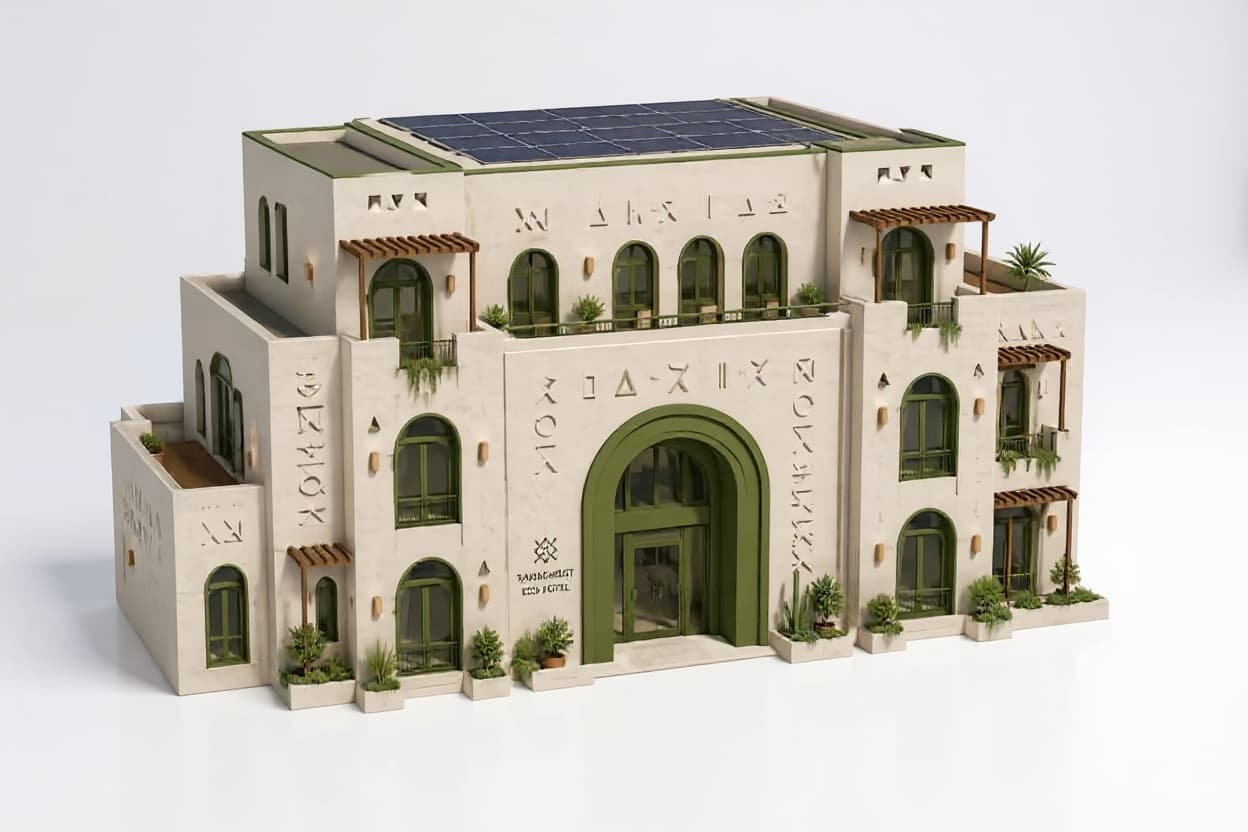
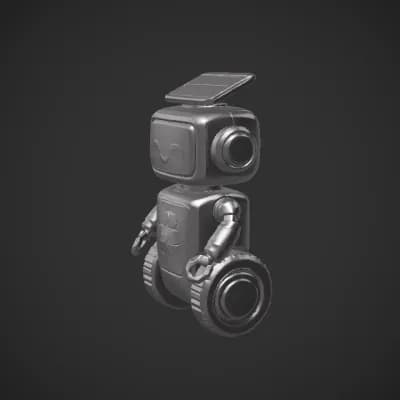
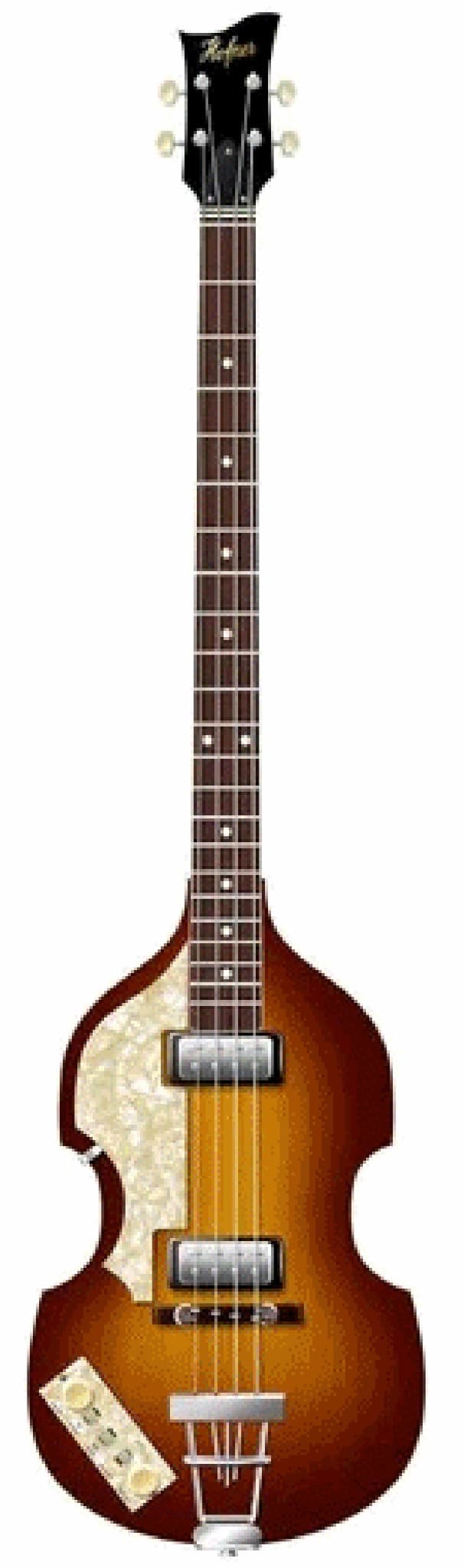
Real models generated by people using the site — open one to rotate it and download the file.
FAQ
Can I generate a 3D model from only text?
Yes. MakeIt3D can generate a 3D model from a written prompt. Specific prompts usually produce better shapes than broad or abstract descriptions.
What should I include in a text-to-3D prompt?
Include the object name, material, style, and intended use. For example, describe whether the result should be a game prop, printable toy, product mockup, or AR preview.
Is text to 3D better than image to 3D?
Use text to 3D when you are starting from an idea. Use image to 3D when you already have a specific product, object, figurine, or reference photo.