Loading 3D Viewer

Turn Any Photo into a 3D-Printable Model

Upload a photo, get a printable model using Quick or Precise AI models.

18K+ models created so far!
How to get the best results?
1
Start with Quick guide
2
Then Go Precise
Upload your photo - Step 1
1

Upload your photo

Clear, well-lit and properly positioned photos yield the best results

AI processes your image - Step 2
2

Let AI processes it

We run multiple models to generate the best 3D output

Download and use your 3D model - Step 3
3

Download & use

Click the download button on the right to get your model

Generated models:

F1 Car - Photo to 3D Model
by @mey227
Bear - Photo to 3D Model
by @santasatoshi
Monkey - Photo to 3D Model
by @prodbyvony
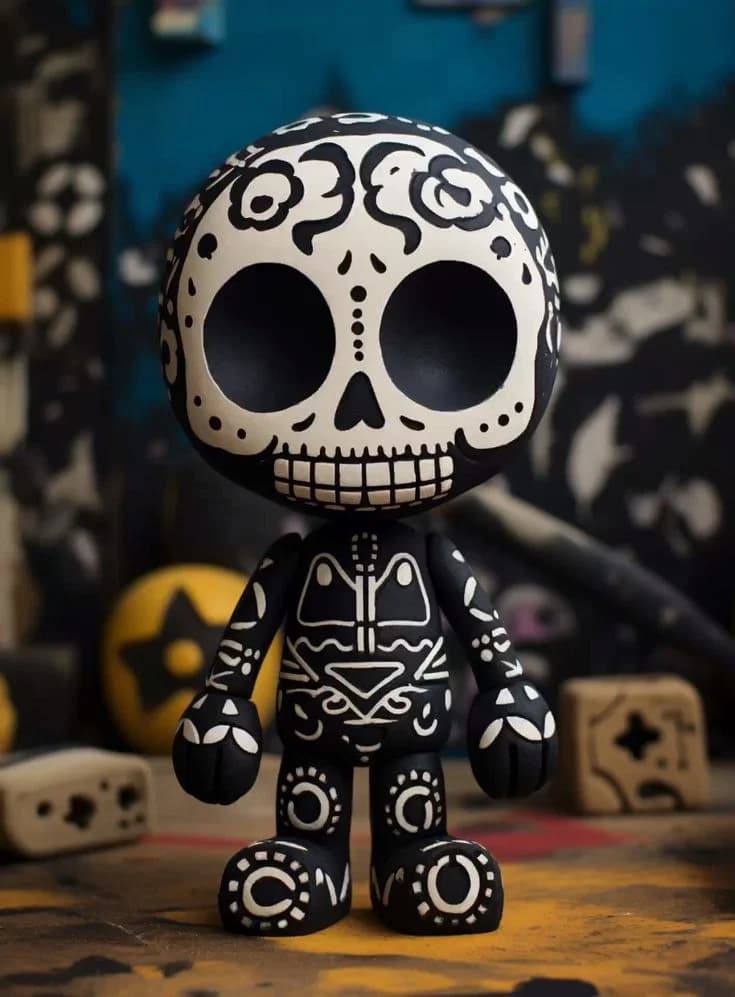
Skeleton - Photo to 3D Model
by @1hypatia
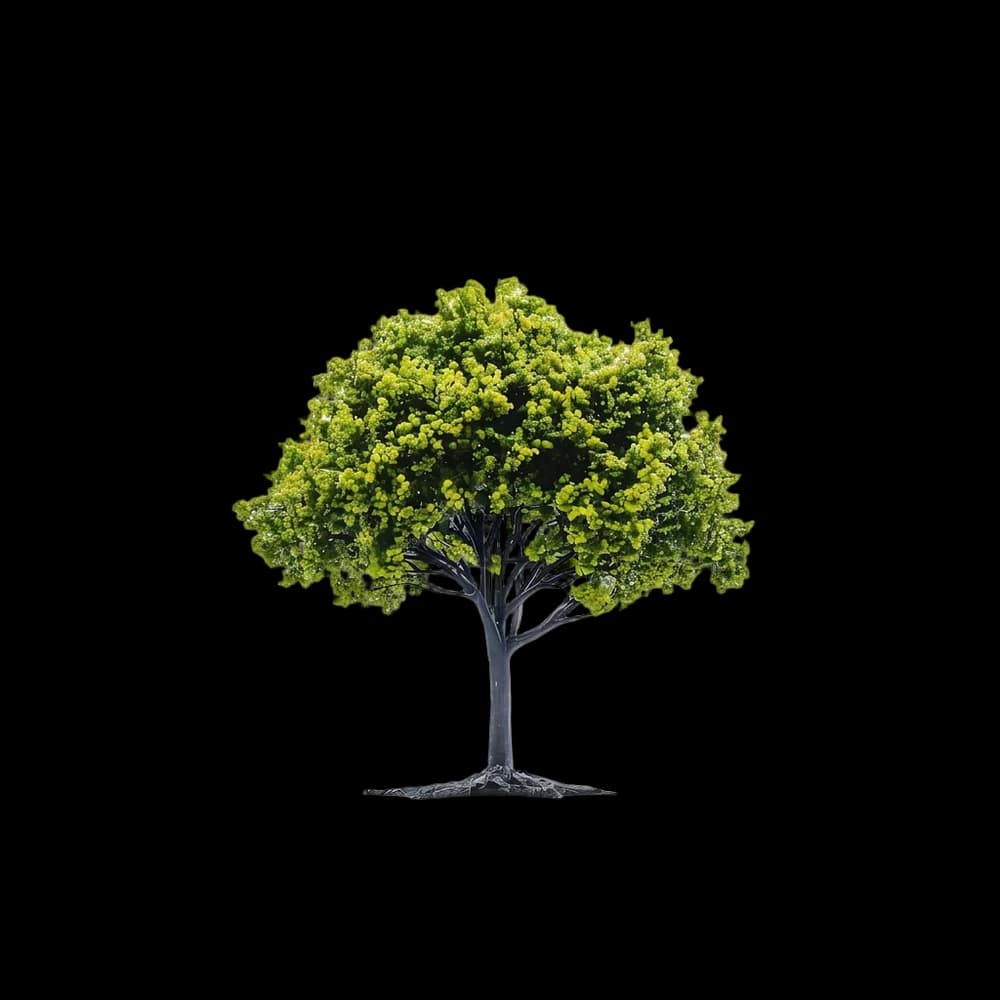
Plant - Photo to 3D Model
by @flora
Angel - Photo to 3D Model
by @mari
Wizard - Photo to 3D Model
by @sorcery
Bull - Photo to 3D Model
by @meshlab


Photo Guide

Get the best results from your photos

Choose what you want to create and learn how to take the perfect photo for it

How to photograph characters for best 3D results

  • 1Use a clear, front-facing photo with good lighting
  • 2Avoid complex poses — a neutral standing pose works best
  • 3Simple backgrounds help the AI focus on the character
  • 4High contrast between the character and background improves results
Try it — Upload a character photo

How to photograph animals for best 3D results

  • 1Side-profile or 3/4 angle views give the best shape detail
  • 2Make sure the full body is visible in the image
  • 3Avoid blurry or motion-heavy photos
  • 4Solid or simple backgrounds produce cleaner models
Try it — Upload a animal photo

How to photograph things for best 3D results

  • 1Center the object in the frame with even lighting
  • 2Avoid reflective or transparent surfaces — matte objects work best
  • 3Remove clutter from the background for cleaner results
Try it — Upload a thing photo

How to photograph structures for best 3D results

  • 1Capture the full structure in a single shot if possible
  • 2Straight-on or slight angle views work better than extreme perspectives
  • 3Daylight photos with minimal shadows give the best detail
  • 4Avoid heavy occlusion from trees or other objects in front
Try it — Upload a structure photo


🎉 MakeIt3D has gained over 5000 users! 🎉

User JVUser JHUser P0User P1User P2

Join our fast growing community of 3D artists and designers just like you


Frequently Asked Questions

Quick generates in 60–90 seconds (1 credit). Precise takes 3–5 minutes (3 credits) and produces the highest detail — best for final assets and 3D printing.

Yes. Download in STL format and open it in any slicer — PrusaSlicer, Cura, Bambu Studio. It's ready to print.

No. New accounts get 1 free credit. Subscriptions give you the best credit-per-dollar ratio and priority access during high load.

Clear, well-lit photos with the subject centred against a simple background. Front-facing or 3/4 angle shots work especially well.

GLB for game engines and AR/VR, OBJ for Blender, Maya, or 3ds Max, and STL for 3D printing.

One-time credit packs never expire. Subscription credits accumulate each month — unused ones carry over.

Yes. If you own the input photo, you own the generated model and can use it commercially — on any plan.

MakeIt3D: AI-Powered 3D Model Generator

MakeIt3D is an AI-powered web application that converts 2D images into printable 3D models. Our AI technology analyzes uploaded images and reconstructs them as three-dimensional objects suitable for 3D printing, game development, augmented reality, and digital design projects.
Free starter with 1 credit to try MakeIt3D. Light and Heavy models (1 vs 3 credits per generation). Download formats: GLB for web apps, OBJ for universal 3D tools, STL for 3D printing. Typical time: ~1 minute (Quick) or ~3 minutes (Precise). Monthly subscriptions grant credits that roll over; cancel anytime. Fine tuned AI technology for accurate 3D reconstruction.