Convert an image to an editable OBJ model
Generate a 3D mesh from a photo and download OBJ when you want to inspect, clean up, sculpt, or edit the model in a 3D application.
Short answer
To convert an image to OBJ, upload a clear photo, generate the 3D model, then download OBJ for editing in Blender, Maya, 3ds Max, or other 3D tools. OBJ is best when cleanup and mesh editing matter more than compact web delivery.
Best for
- Blender cleanup and sculpting
- Mesh repair before printing
- Game asset blockouts
- 3D artist handoff
Use a photo that gives the model enough information
AI reconstruction works best when the subject has a clean silhouette, visible depth, and enough contrast from the background.
- Use photos where important edges are visible and not cropped.
- Choose a 3/4 view if the object has meaningful side geometry.
- Avoid heavy background clutter that can become noisy mesh detail.
- Use Precise quality for detailed objects that will be edited further.
Workflow
Choose a clear object photo
Start with a sharp image where the target subject is easy to distinguish from the background.
Generate the 3D mesh
Preview the generated model in MakeIt3D and regenerate from a cleaner crop if the silhouette is noisy.
Download OBJ for editing
Open the OBJ in Blender or another 3D editor to clean geometry, adjust materials, retopologize, or prepare the asset for production.
Download formats
- OBJ
- Best for editing, mesh cleanup, and handing a model to a 3D artist.
- GLB
- Best for compact web previews and AR sharing after the model is ready.
- STL
- Best for slicers when the object needs to become a physical print.
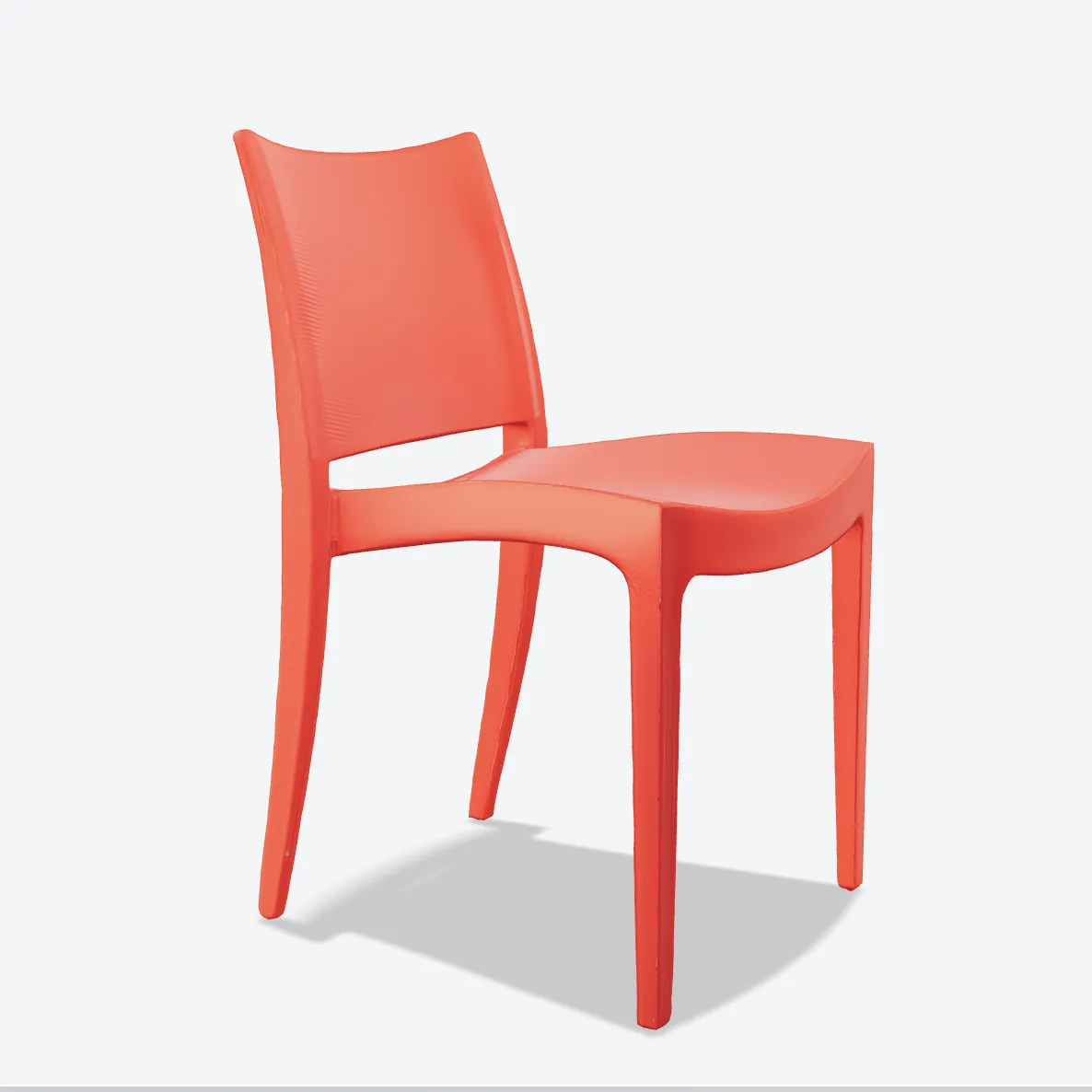
Example models


FAQ
Can I create an OBJ model from one image?
Yes. MakeIt3D can generate a 3D mesh from one clear image and export it as OBJ for editing in 3D software.
Should I download OBJ or GLB?
Use OBJ when you want to edit or clean up the model. Use GLB when you want a compact textured file for web, AR, or sharing.
Can I edit MakeIt3D OBJ files in Blender?
Yes. OBJ files can be imported into Blender for cleanup, sculpting, material work, retopology, and export to other formats.