Create Amazon product 3D models from photos
Use clean product photography to generate a 3D model for listing visuals, internal reviews, product mockups, and prototype workflows.
Short answer
To create a 3D model from an Amazon-style product photo, use a centered image on a clean background, generate the model, then download GLB for visualization, OBJ for cleanup, or STL for a prototype print check.
Best for
- Amazon listing visualization tests
- Product mockups and internal reviews
- Prototype print checks
- Ecommerce creative experiments
Use a photo that gives the model enough information
AI reconstruction works best when the subject has a clean silhouette, visible depth, and enough contrast from the background.
- Use the main product image or a clean 3/4 product shot.
- Keep the product fully visible, including handles, bases, and edges.
- Avoid lifestyle scenes when the product blends into the background.
- Use OBJ cleanup before publishing if the model will be customer-facing.
Workflow
Select an Amazon-style product image
Choose a high-resolution image with a simple background, clear edges, and the full product visible.
Generate the model
Upload the image to MakeIt3D and inspect the generated model from multiple angles before using it in a listing workflow.
Download the right format
Use GLB for interactive product previews, OBJ for designer cleanup, or STL for quick prototype and size checks.
Download formats
- GLB
- Best for interactive ecommerce visualization and compact textured previews.
- OBJ
- Best for model cleanup before customer-facing use.
- STL
- Best for prototype checks and 3D printing workflows.
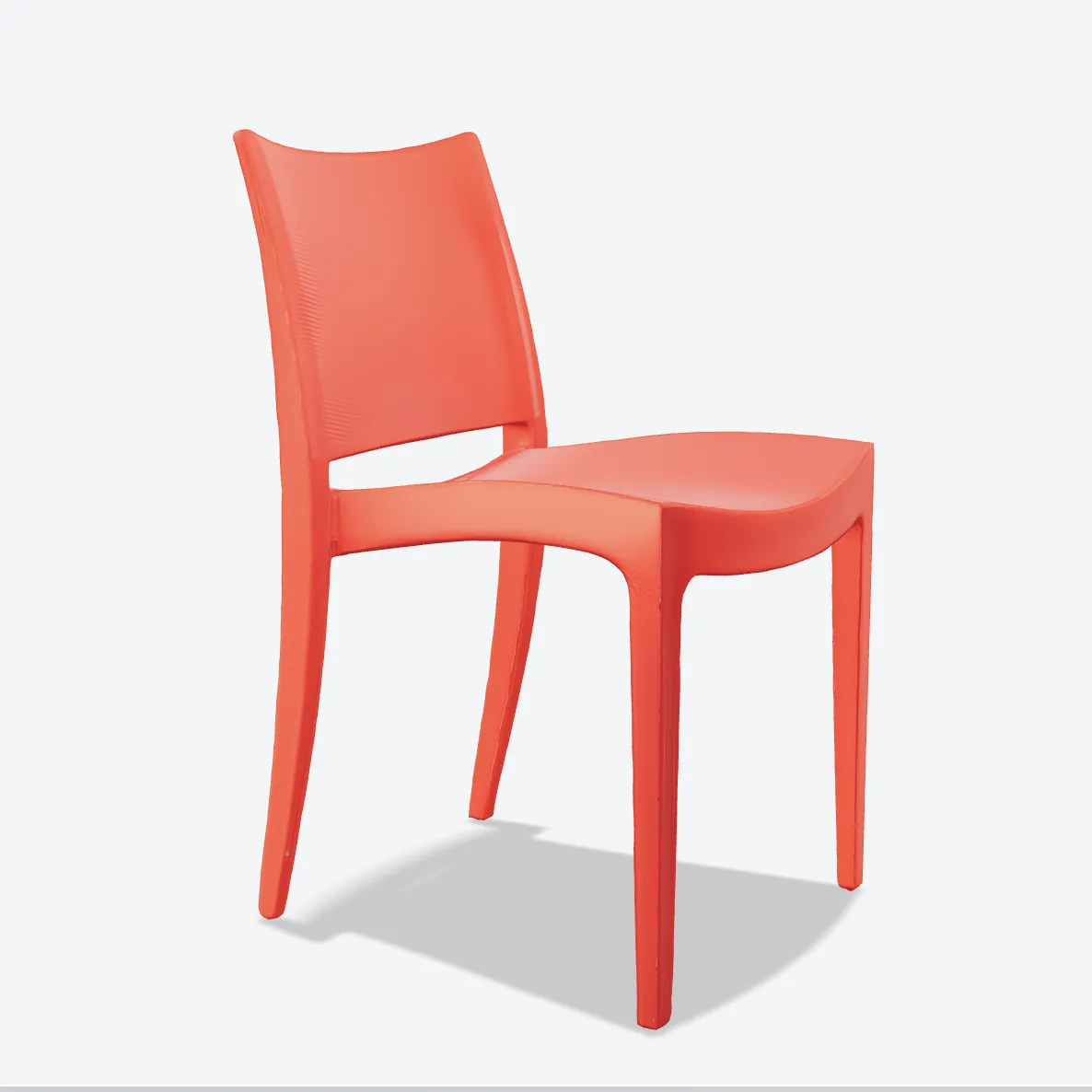
Example models


FAQ
Can I generate a 3D product model from an Amazon listing image?
Yes, if the image clearly shows the full product. Clean main listing images usually work better than lifestyle photos.
Can I publish the generated 3D model directly on a product page?
Inspect it first. AI-generated product models can be useful for visualization, but customer-facing assets often need cleanup and quality review.
Which export is best for Amazon product visualization?
GLB is usually best for interactive visualization. OBJ is better if a designer will refine the mesh before publication.