Robot body
Model details
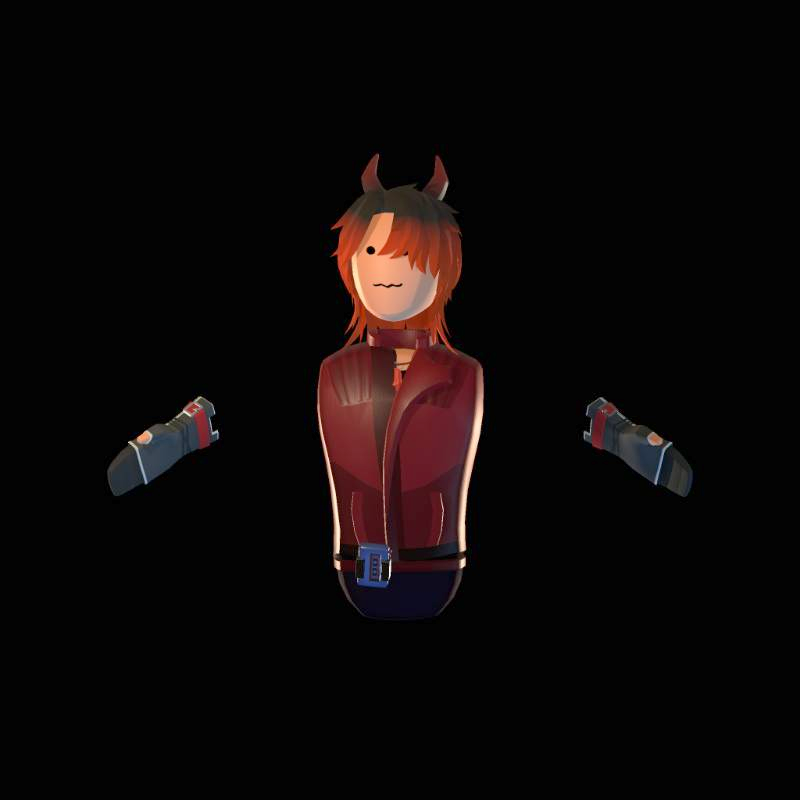
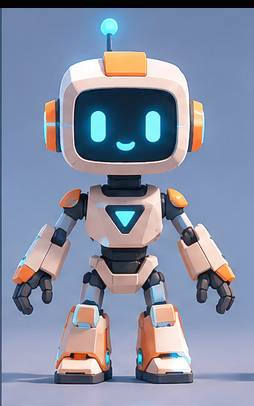
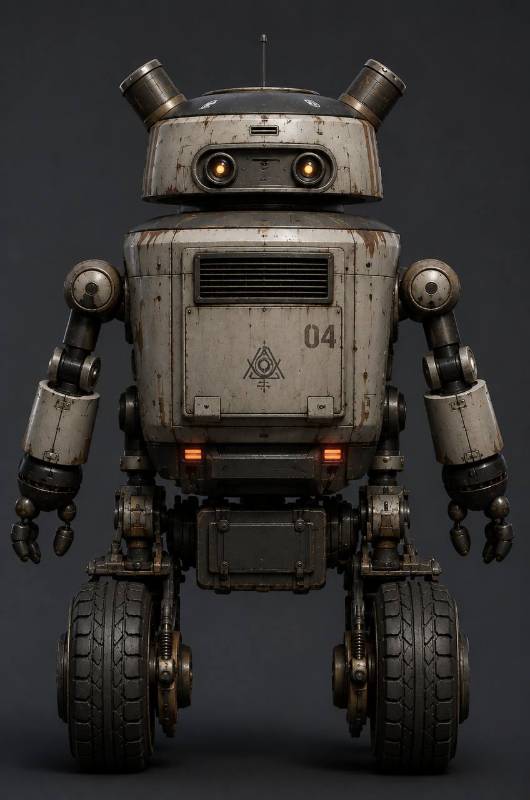
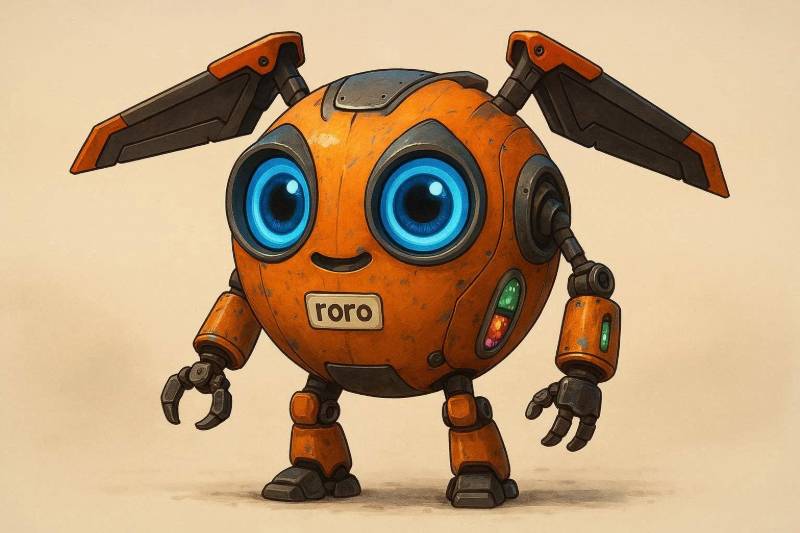
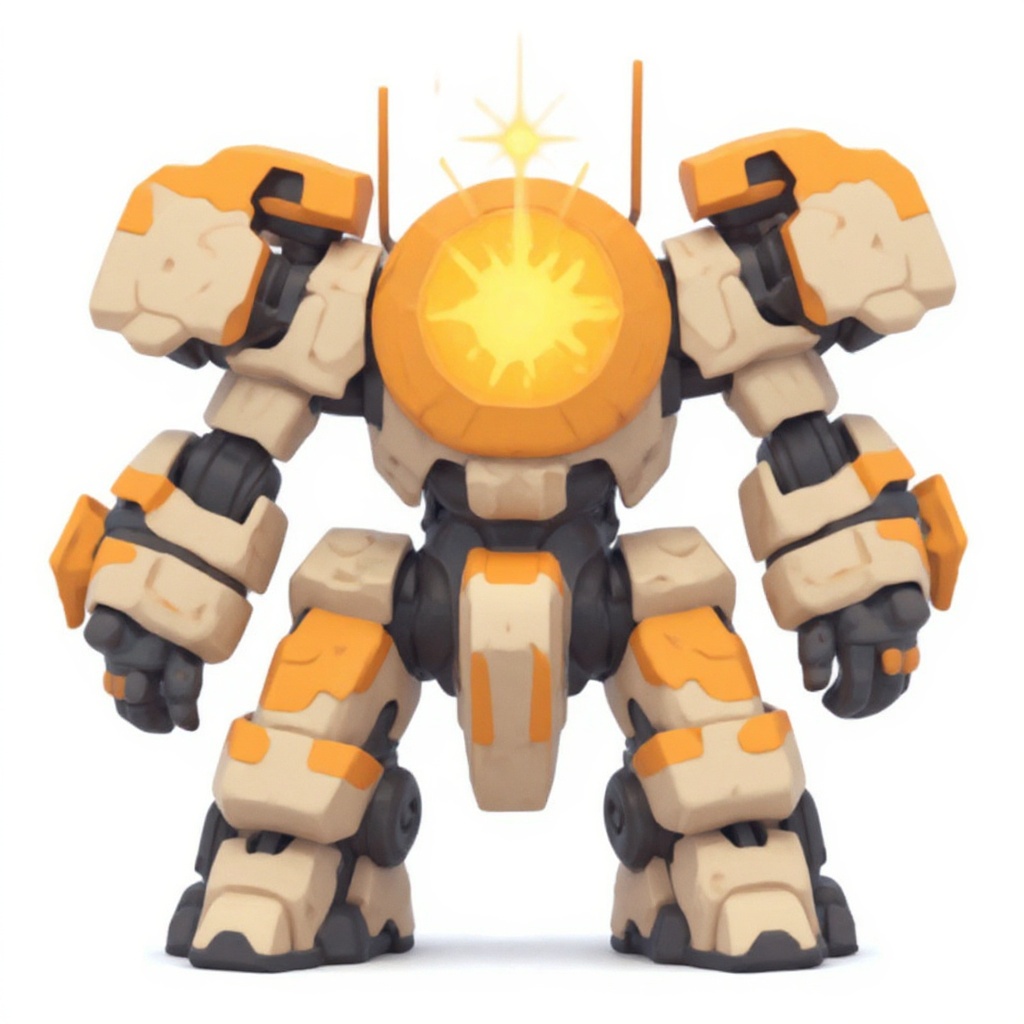
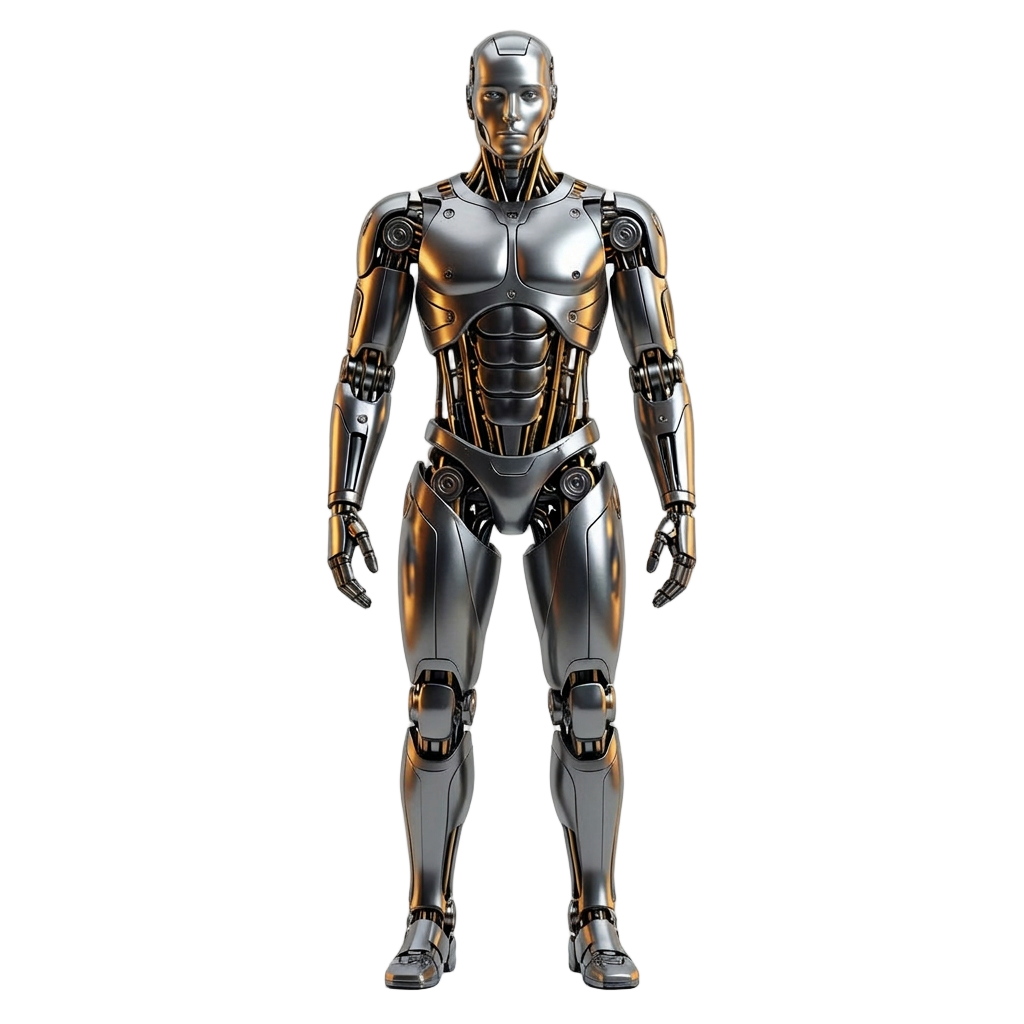
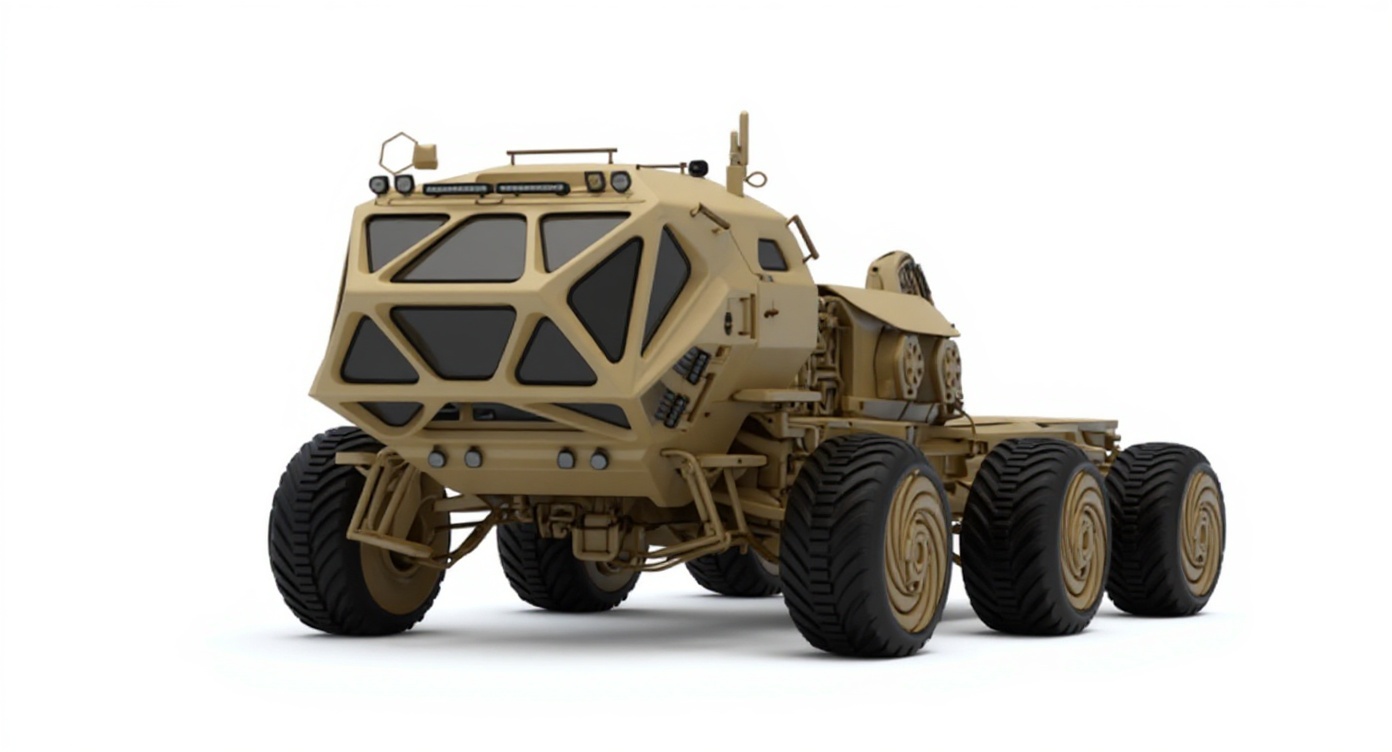
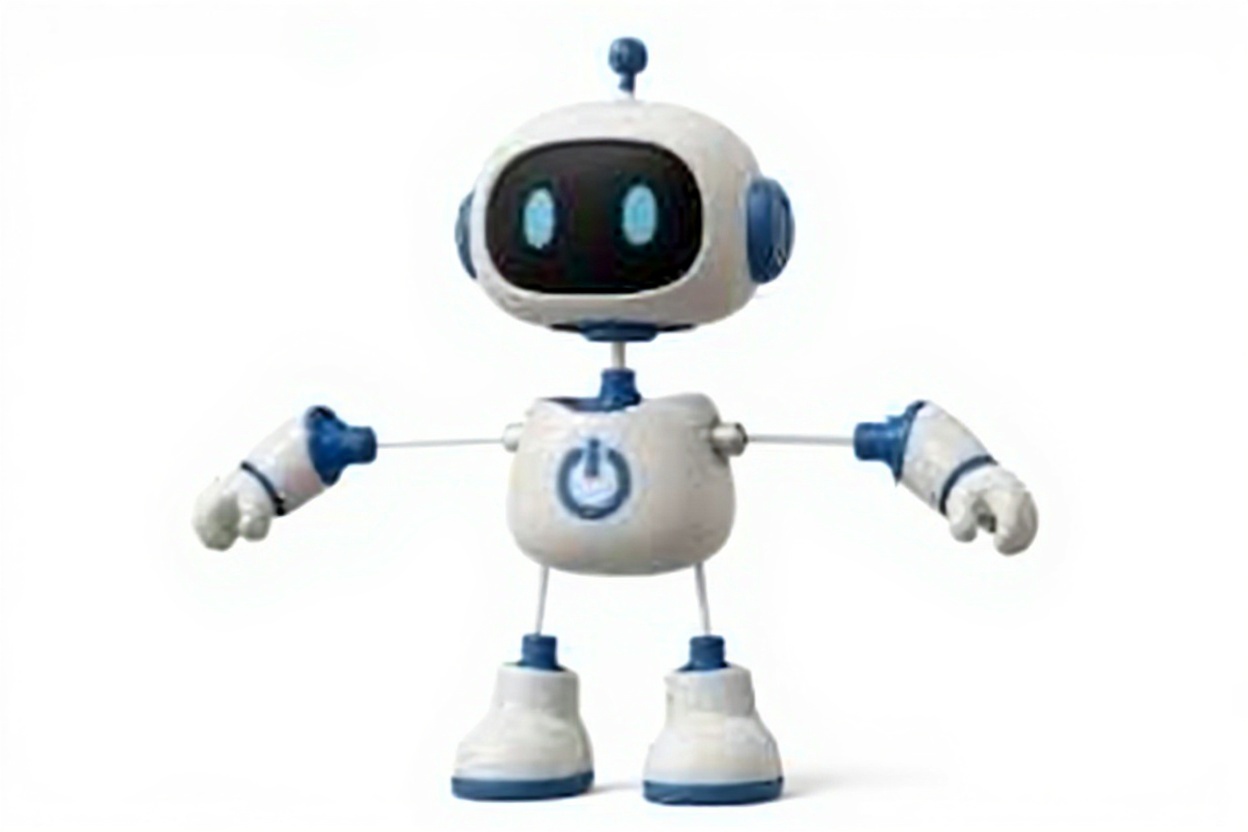
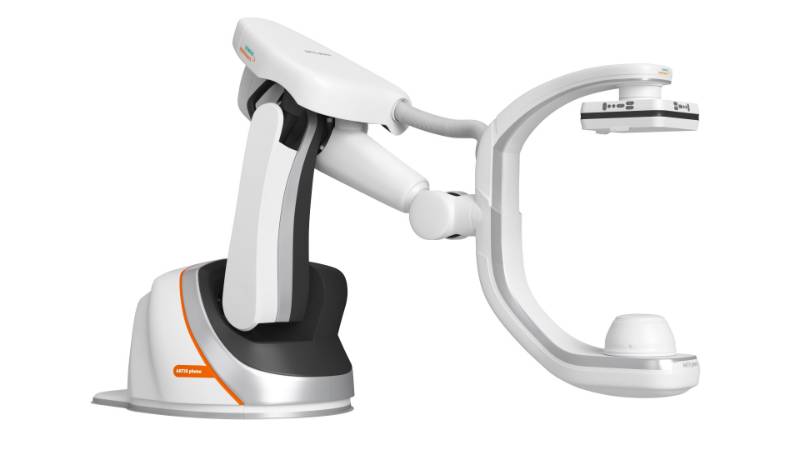
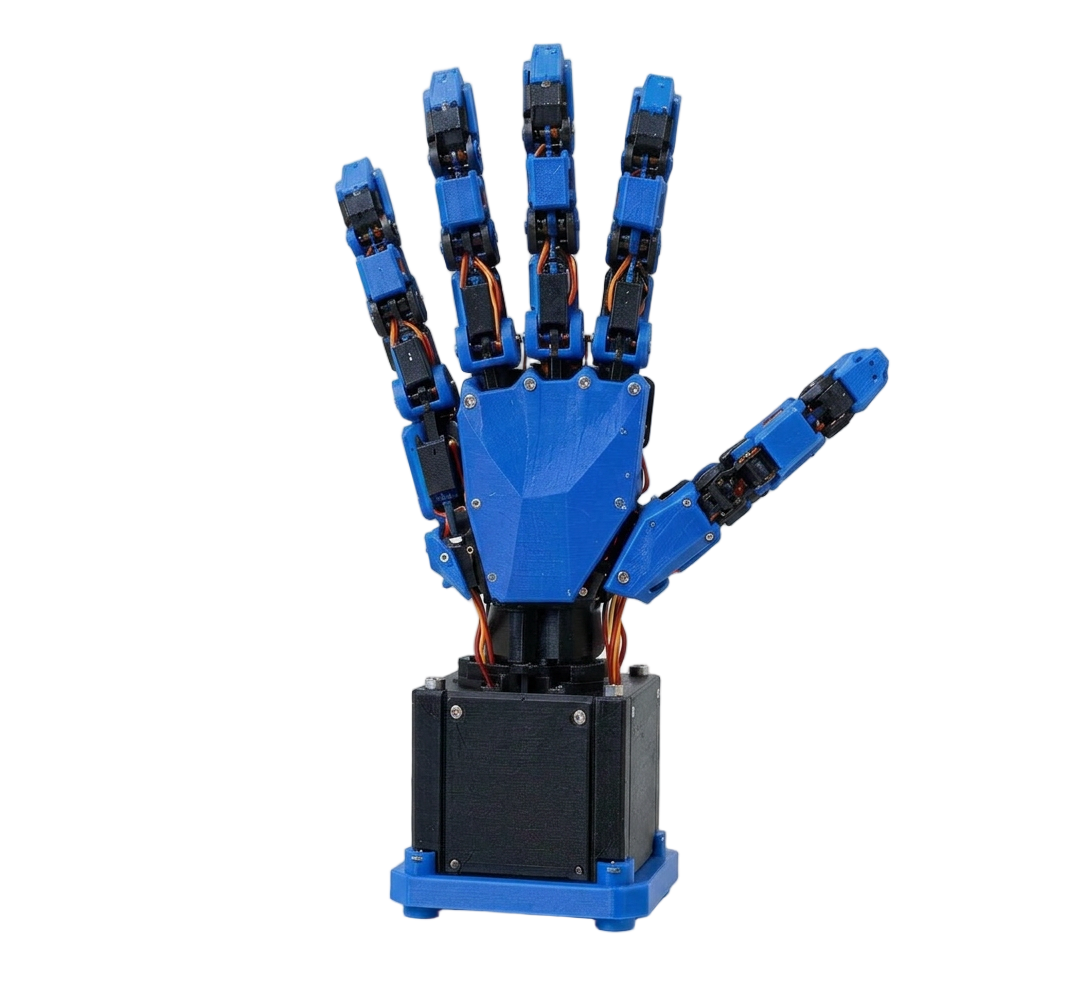
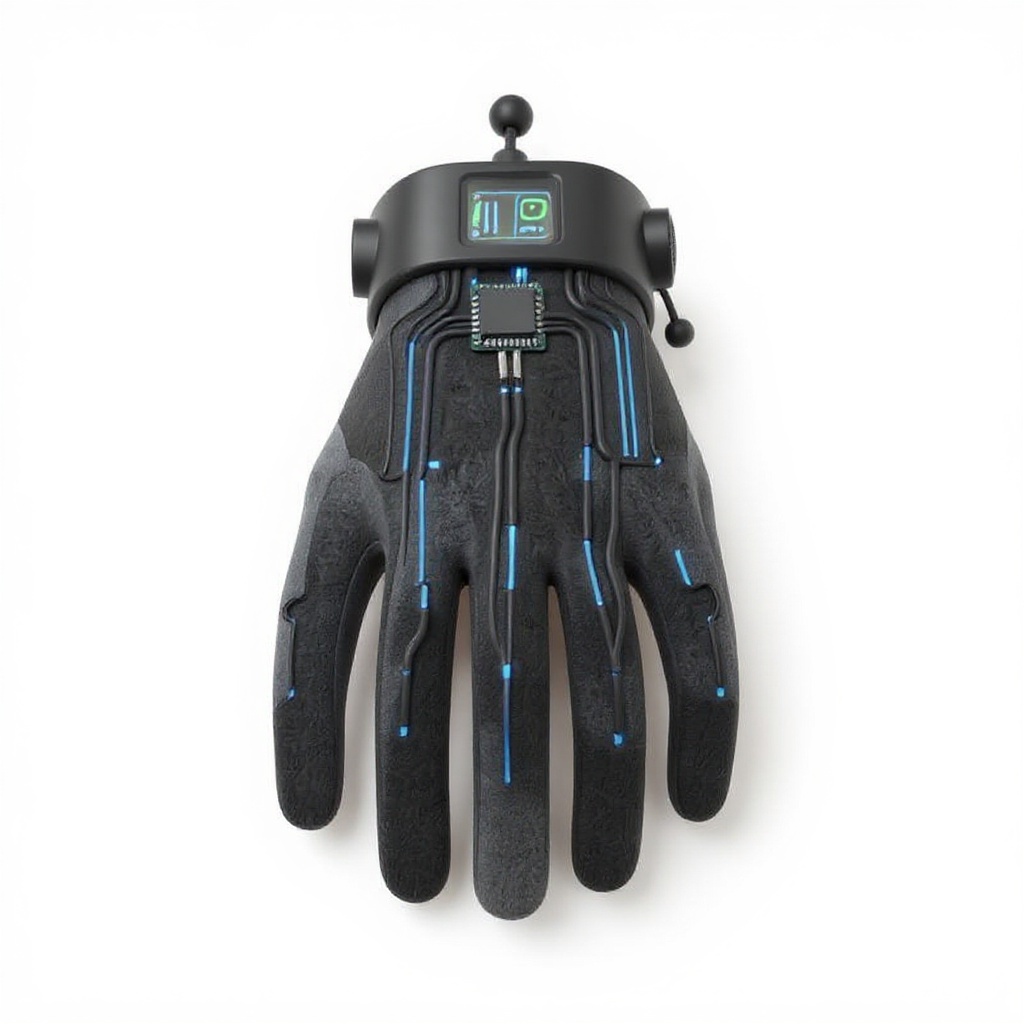
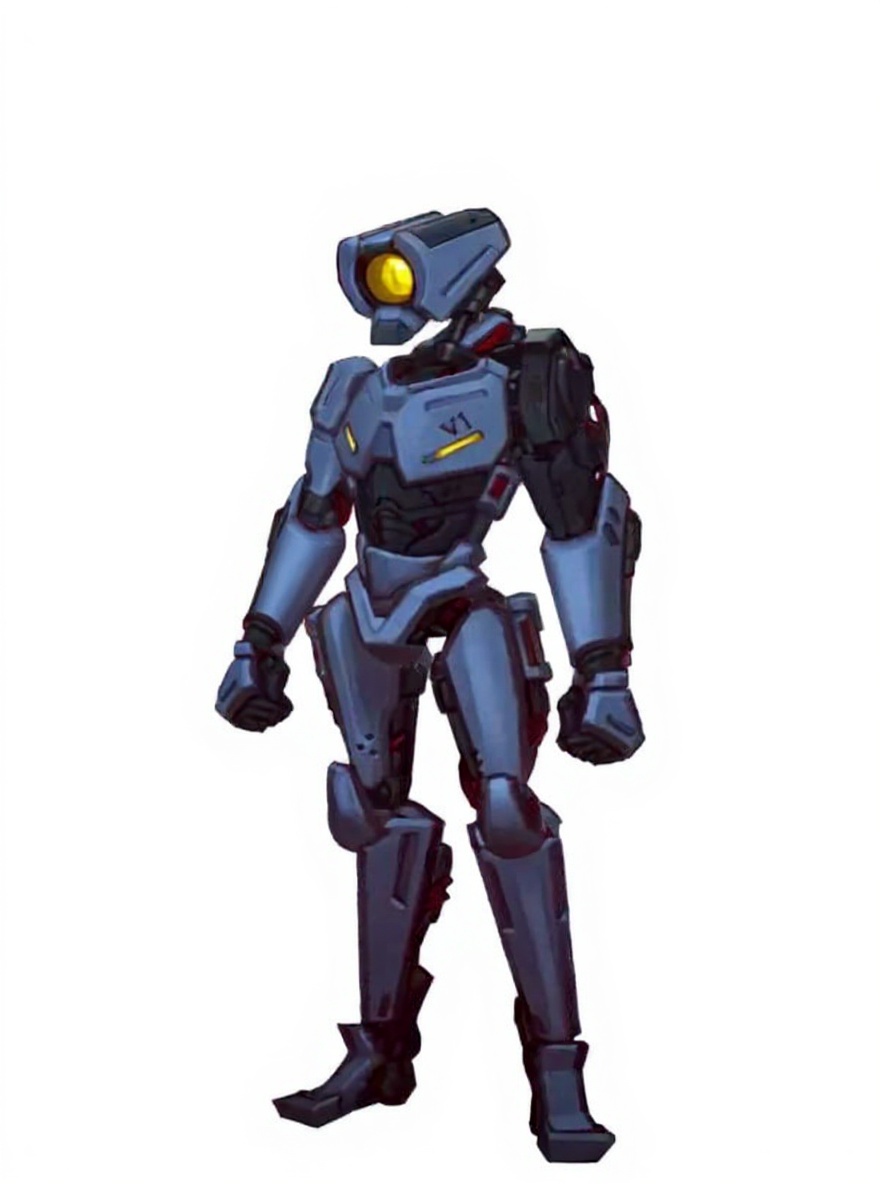
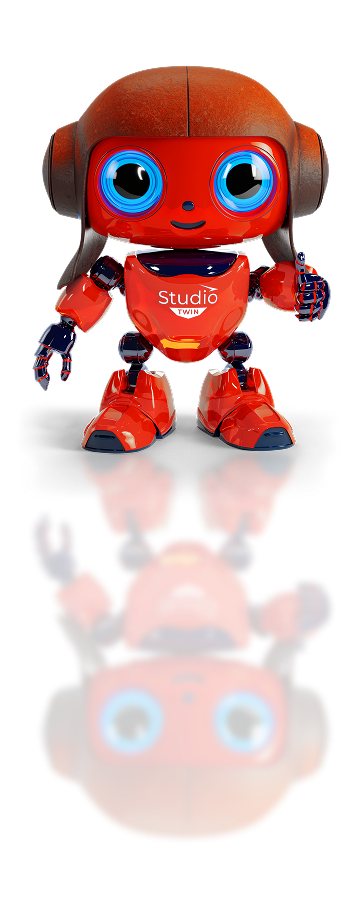
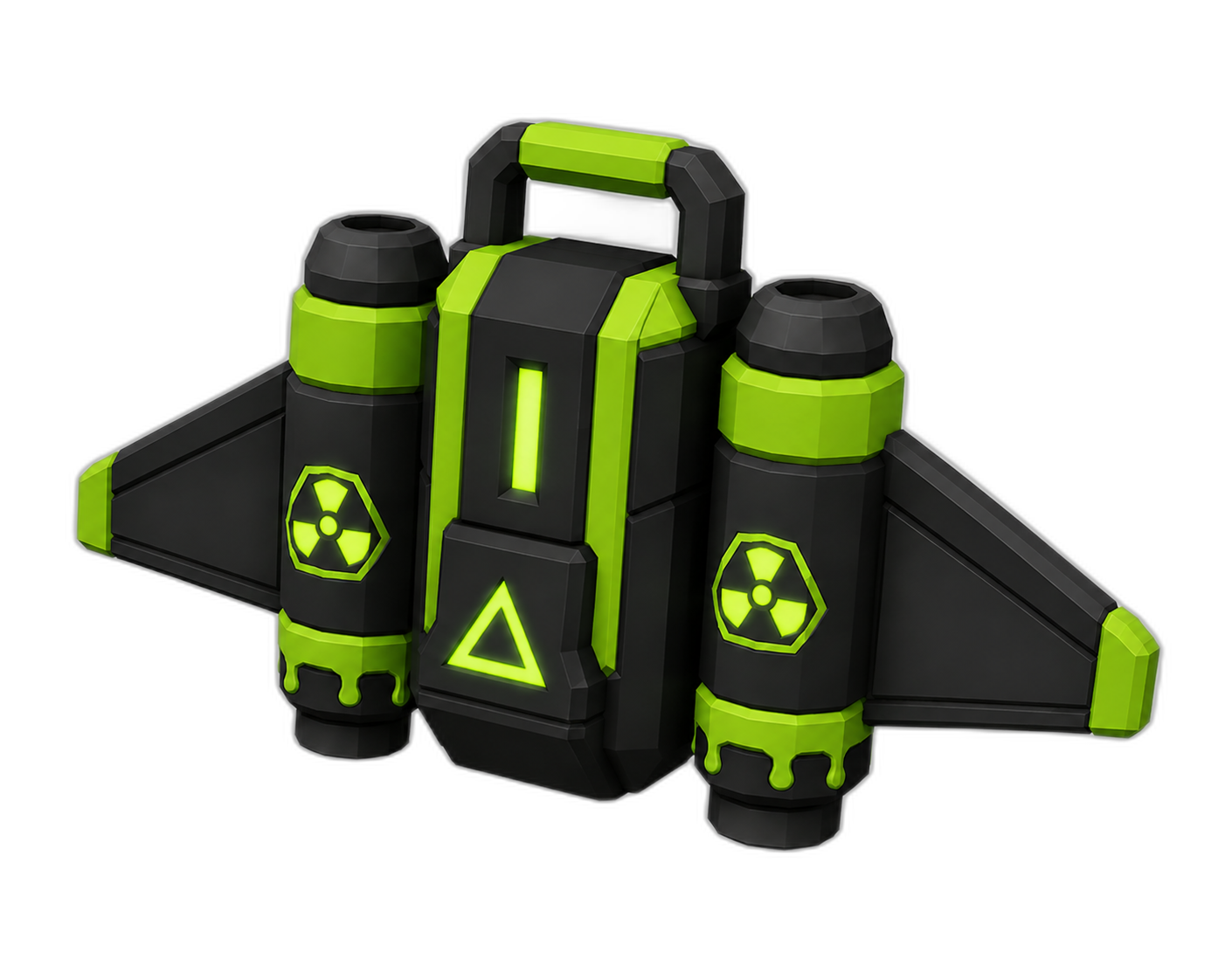
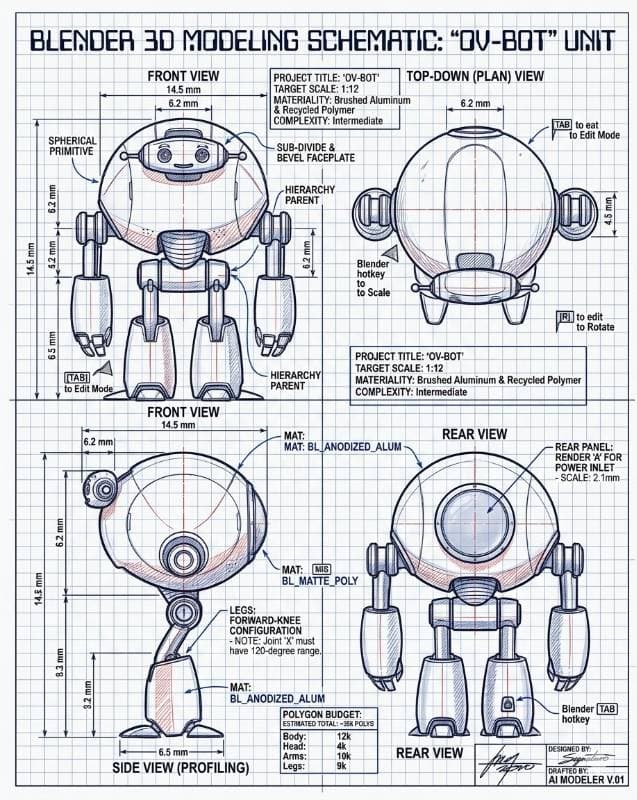
The front view shows even lighting across the robot’s surface, highlighting the textured surfaces and joints. The top-down plan view emphasizes the rounded head and the blender hotkey for scale control. The rear view reveals the blender hotkey for in-context editing. The side view (profile) provides additional depth and perspective, showing the robot’s legs and body proportions. The image is sharp and clear, focusing on important details like joints and materials.
Use a similarly clear source photo to get a similar result. Try the photo to 3D model generator →
Robot body
Model details
The front view shows even lighting across the robot’s surface, highlighting the textured surfaces and joints. The top-down plan view emphasizes the rounded head and the blender hotkey for scale control. The rear view reveals the blender hotkey for in-context editing. The side view (profile) provides additional depth and perspective, showing the robot’s legs and body proportions. The image is sharp and clear, focusing on important details like joints and materials.
Use a similarly clear source photo to get a similar result. Try the photo to 3D model generator → Browse more free robot 3D models →