Plastic button
Model details
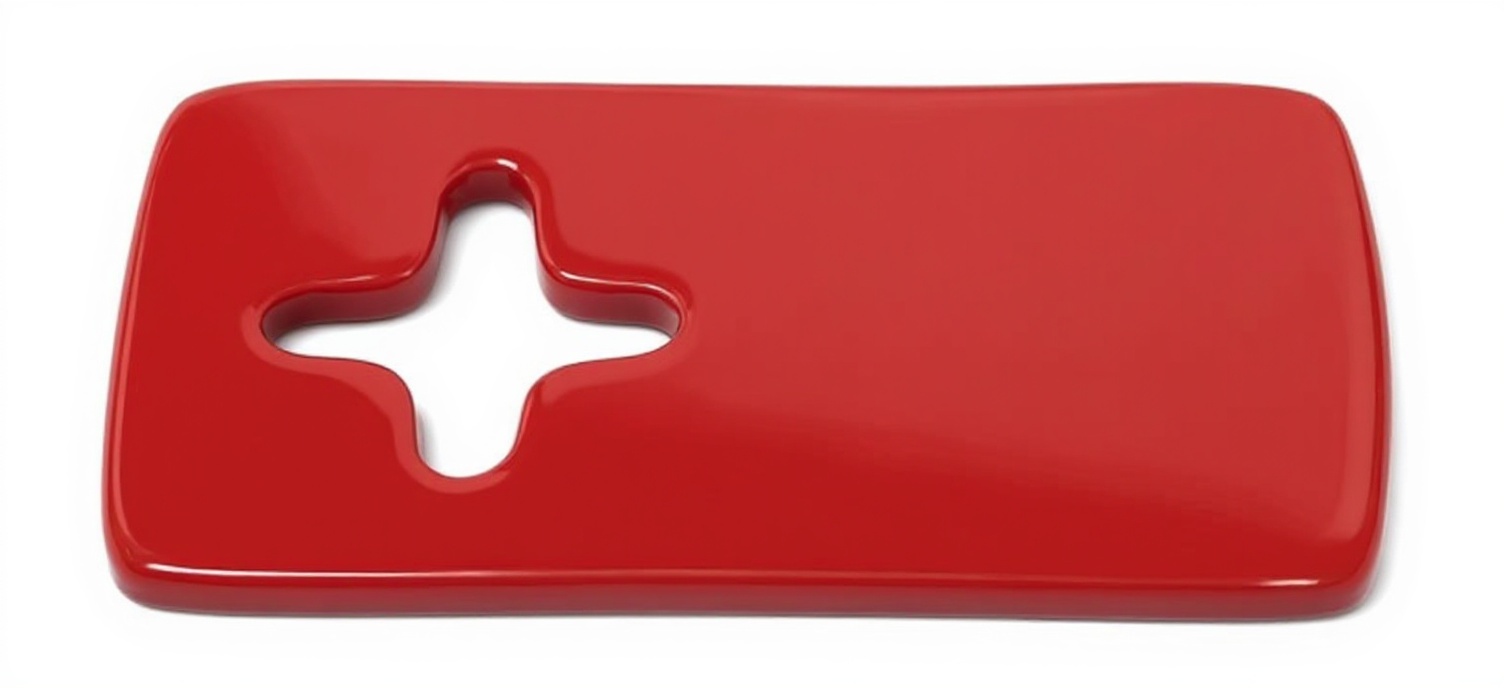
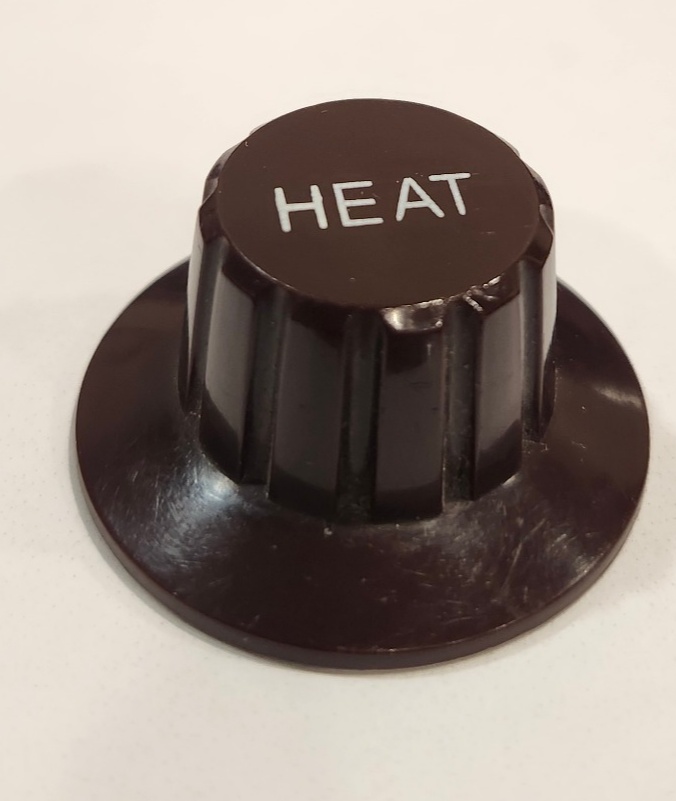
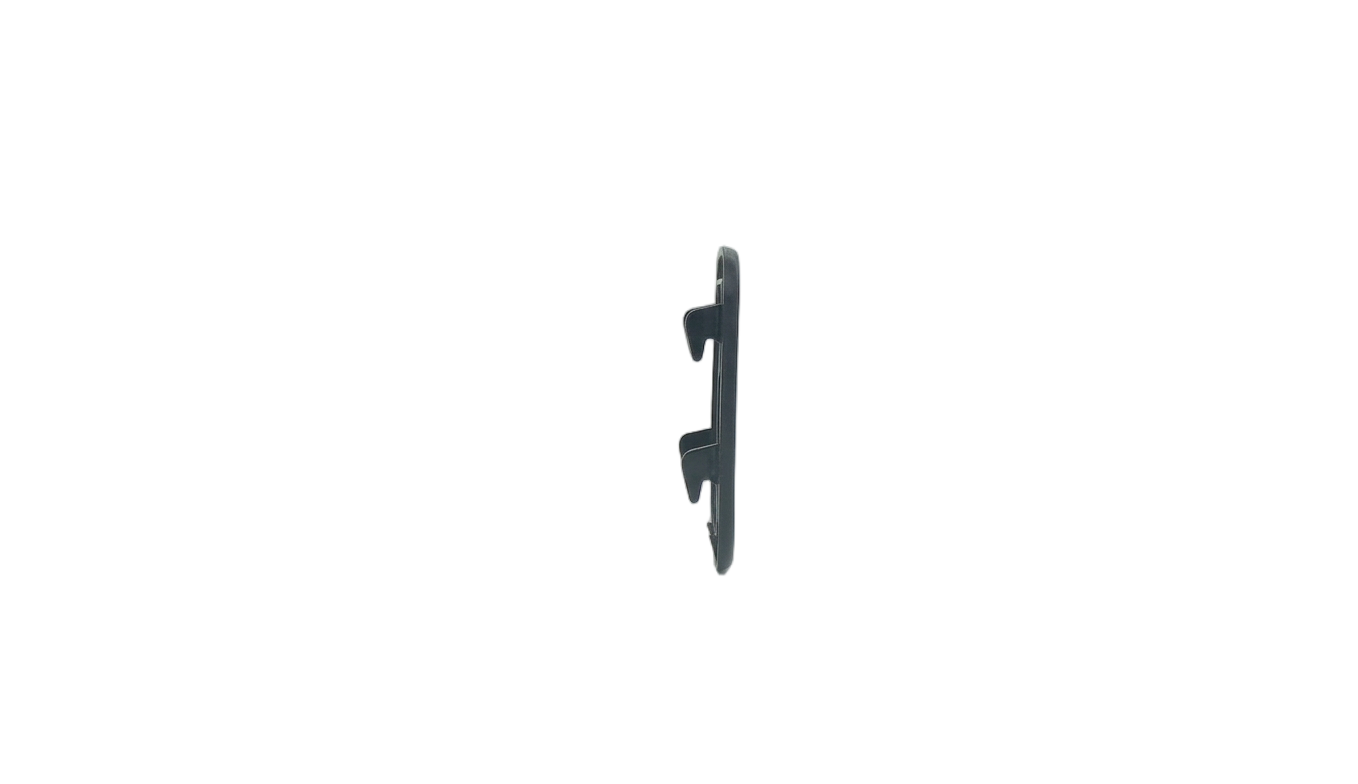
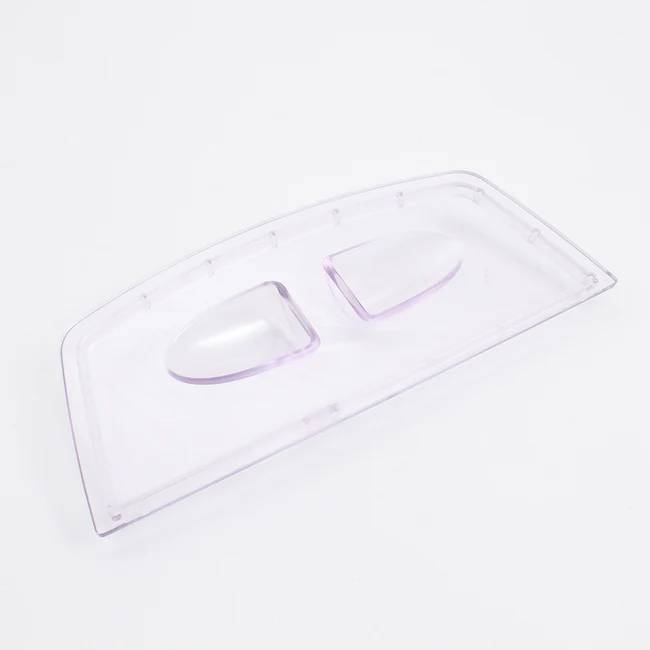
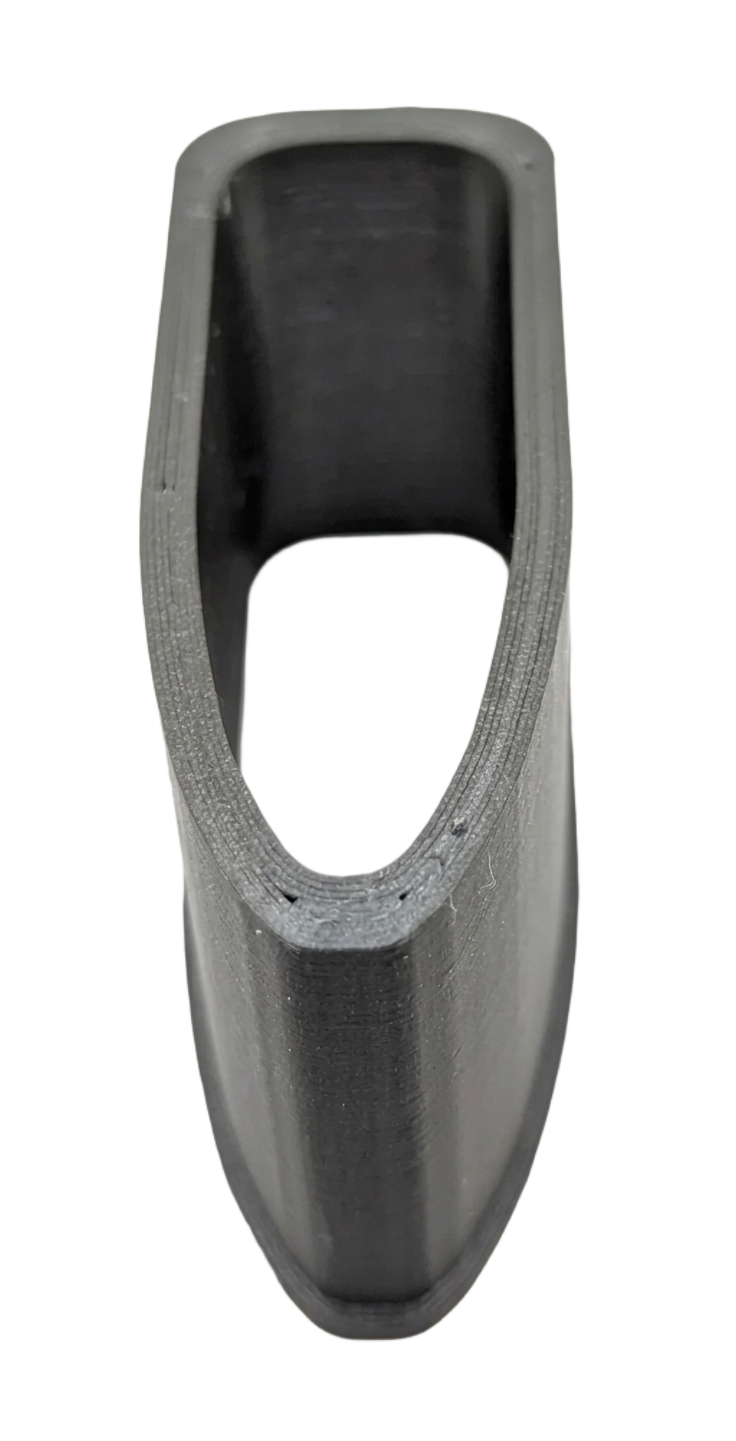
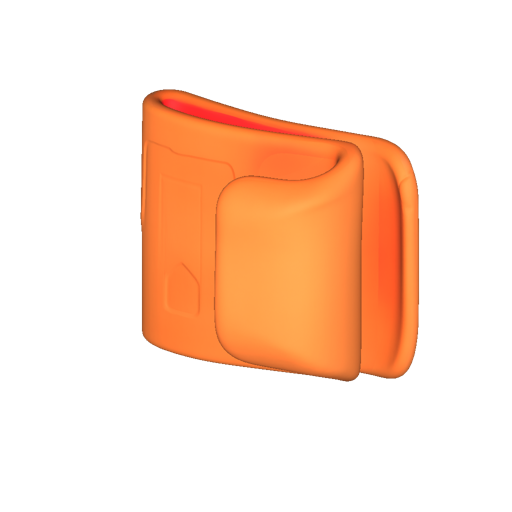
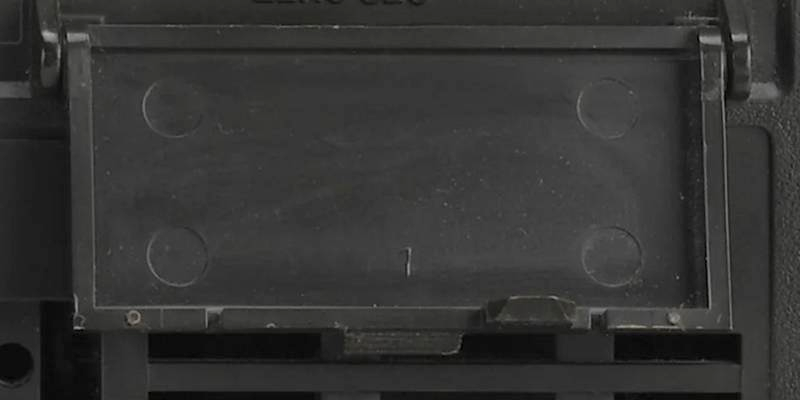
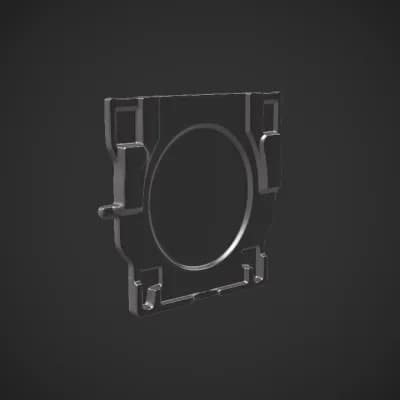
The image is well-lit with directional lighting from the top-left, creating subtle shadows that enhance the 3D model’s depth. The plastic button is positioned slightly off-center, angled diagonally to reveal its circular center and four rectangular cutouts. The sharp focus ensures all key features—especially the circular indentation and cutouts—are clearly visible.
Use a similarly clear source photo to get a similar result. Try the photo to 3D model generator →
Plastic button
Model details
The image is well-lit with directional lighting from the top-left, creating subtle shadows that enhance the 3D model’s depth. The plastic button is positioned slightly off-center, angled diagonally to reveal its circular center and four rectangular cutouts. The sharp focus ensures all key features—especially the circular indentation and cutouts—are clearly visible.
Use a similarly clear source photo to get a similar result. Try the photo to 3D model generator →